
Last updated November 17, 2026
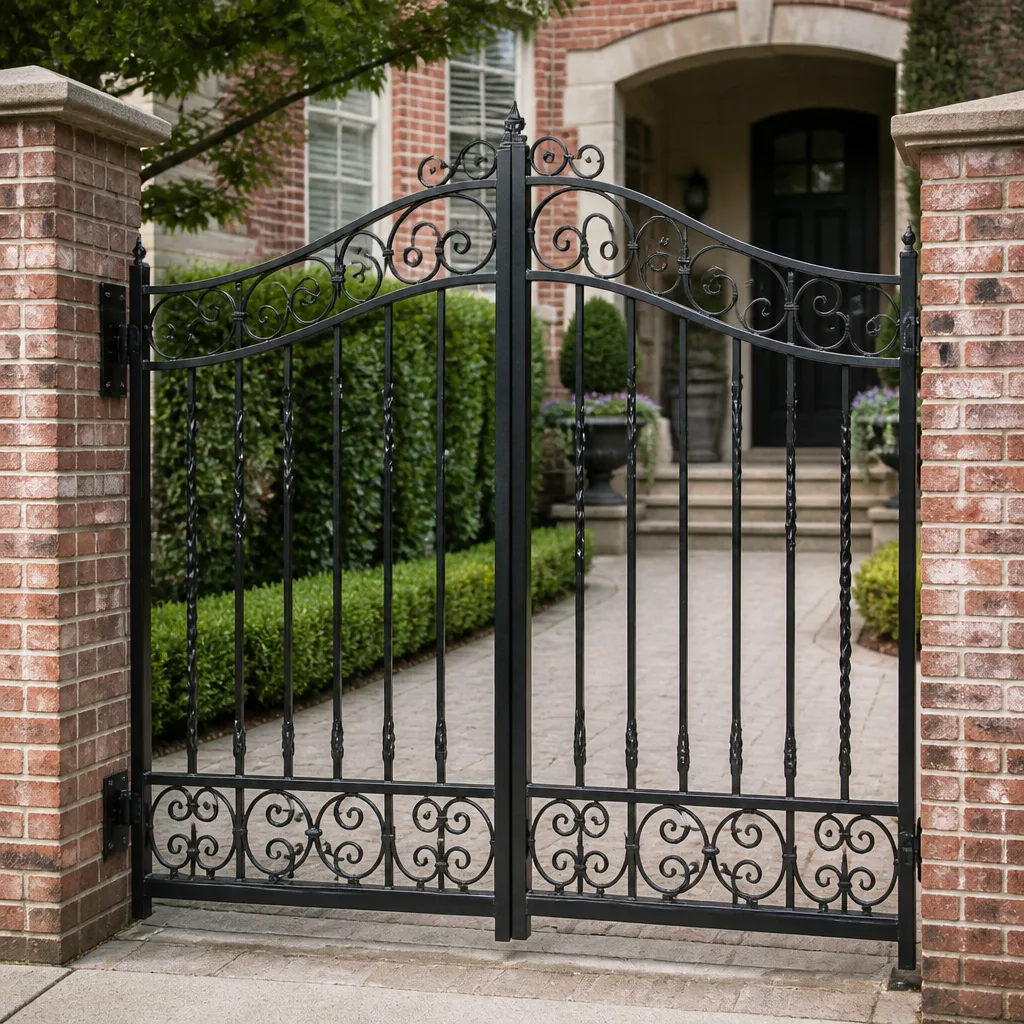 Wrought iron
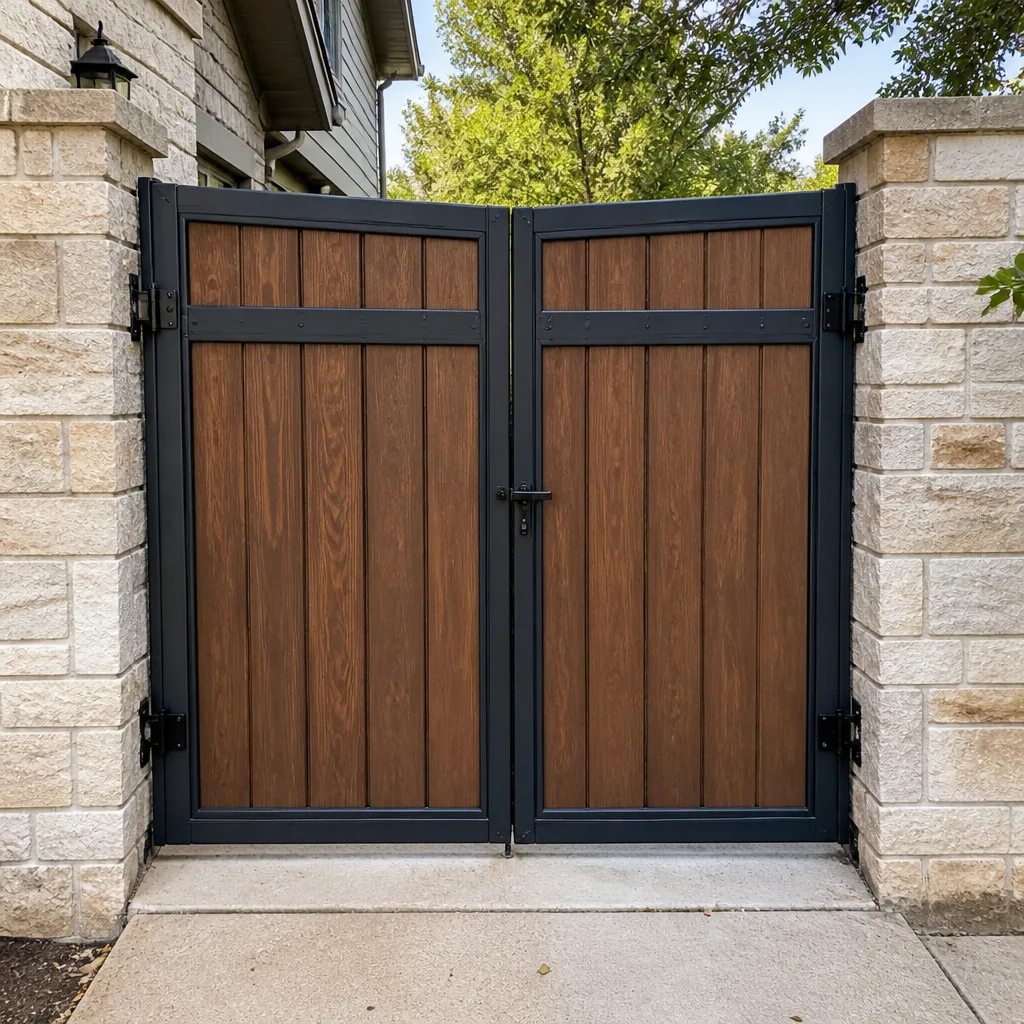 Wood & steel frame
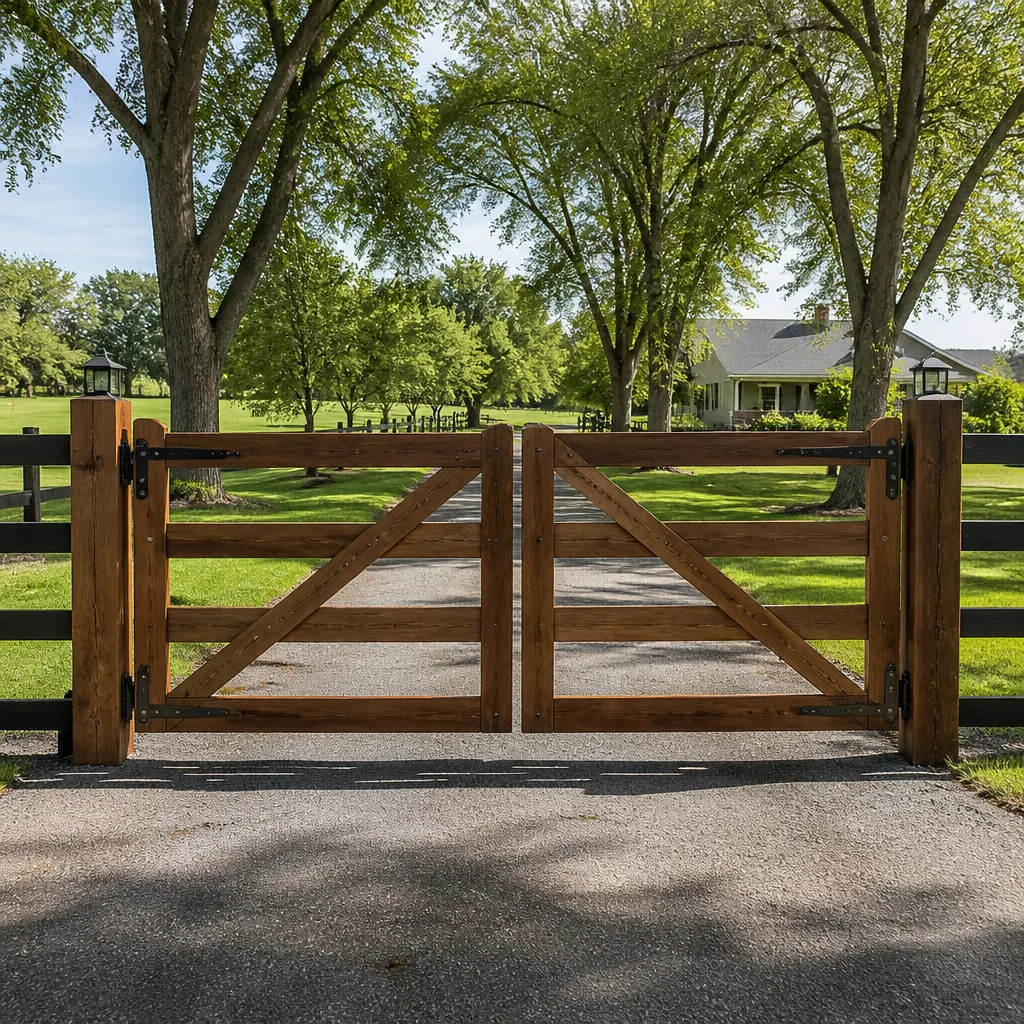 Farm & ranch
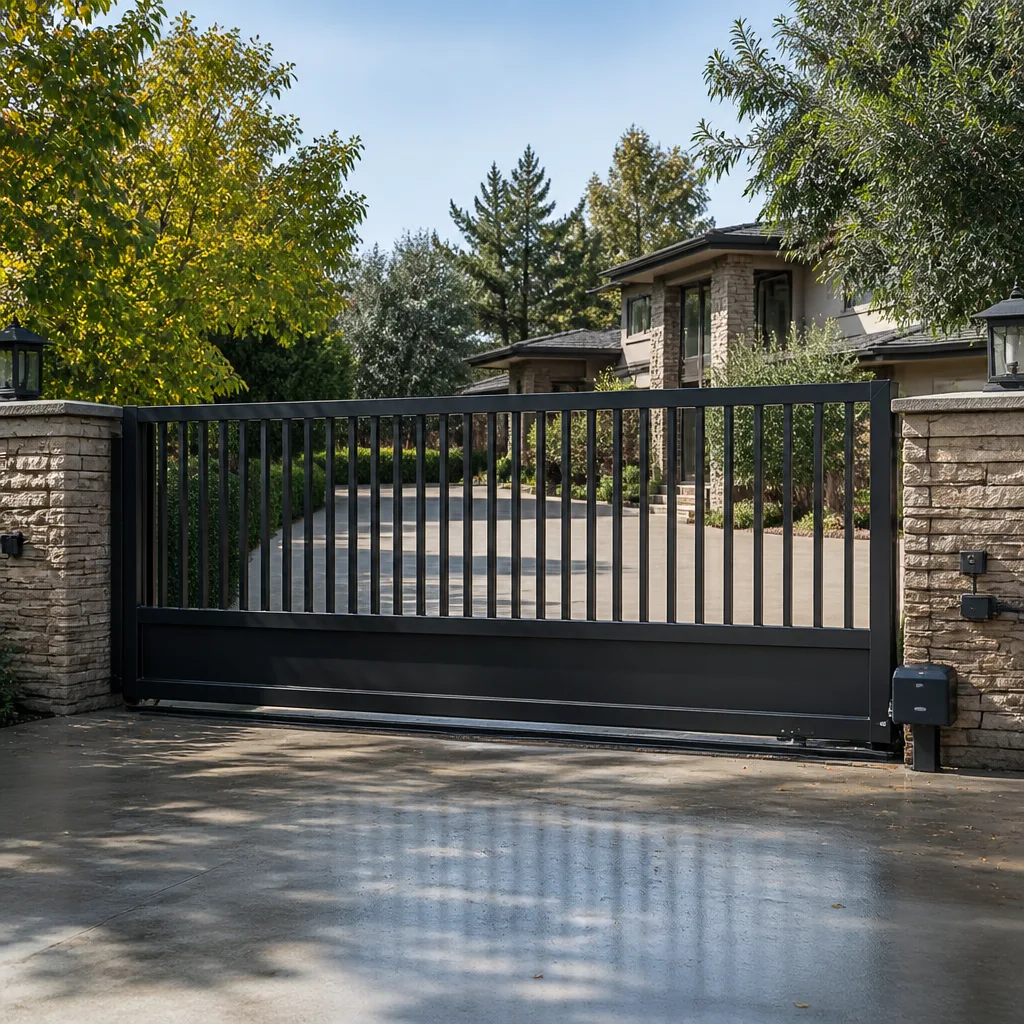 Sliding driveway gates
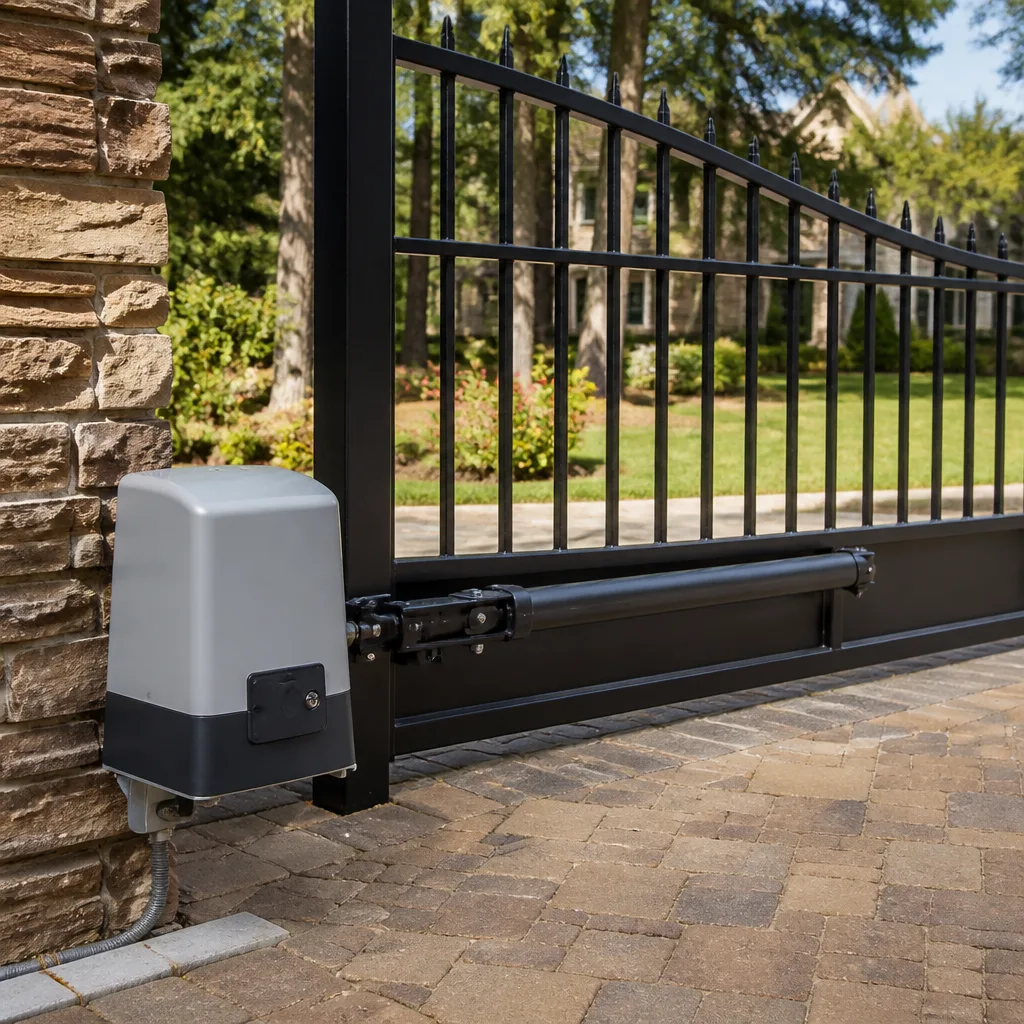 LiftMaster operators
Free on-site gate assessment - hinges, posts, and your LiftMaster or Nice gate operator checked before anything is quoted
The assessment is free and the quote is the invoice.
Get your free estimateGate Access Control Troubleshooting: Common Problems and How to Fix Them
Most gate access control failures we get called out to aren’t hardware failures. They’re configuration failures. A keypad that stops accepting codes after a power outage didn’t break – it lost its programming, and the fix takes about five minutes if you have the master code and the manual. The problem is most homeowners have neither, because neither was left behind when the system was installed. This guide walks through the diagnostic sequence that actually matches how access control systems fail, from programming loss to radio interference to cloud outages, written from what we see on gates across Summerlin every week.
Quick Answer
Gate access control problems are usually caused by lost programming after a power interruption, not failed hardware. Check the power supply first, then the control board’s programming state, then the wiring path between keypad, board, and motor. If the board has power and the motor runs from a manual command but not from a code, the issue is almost always configuration or signal, not a dead component.
Styles & brands we work with
- Wrought iron
- Wood & steel frame
- Farm & ranch
- Sliding driveway gates
- LiftMaster operators
Table of Contents
- Why Power Outages Wipe Your Gate Programming
- Recovery Steps for Common Summerlin Brands
- Radio Interference in Dense Gated Communities
- Using the Wiring Path as a Diagnostic Tool
- When Your App-Controlled Gate Stops Responding
- The Records You Need On File
- Common Mistakes to Avoid
- When to Call a Professional
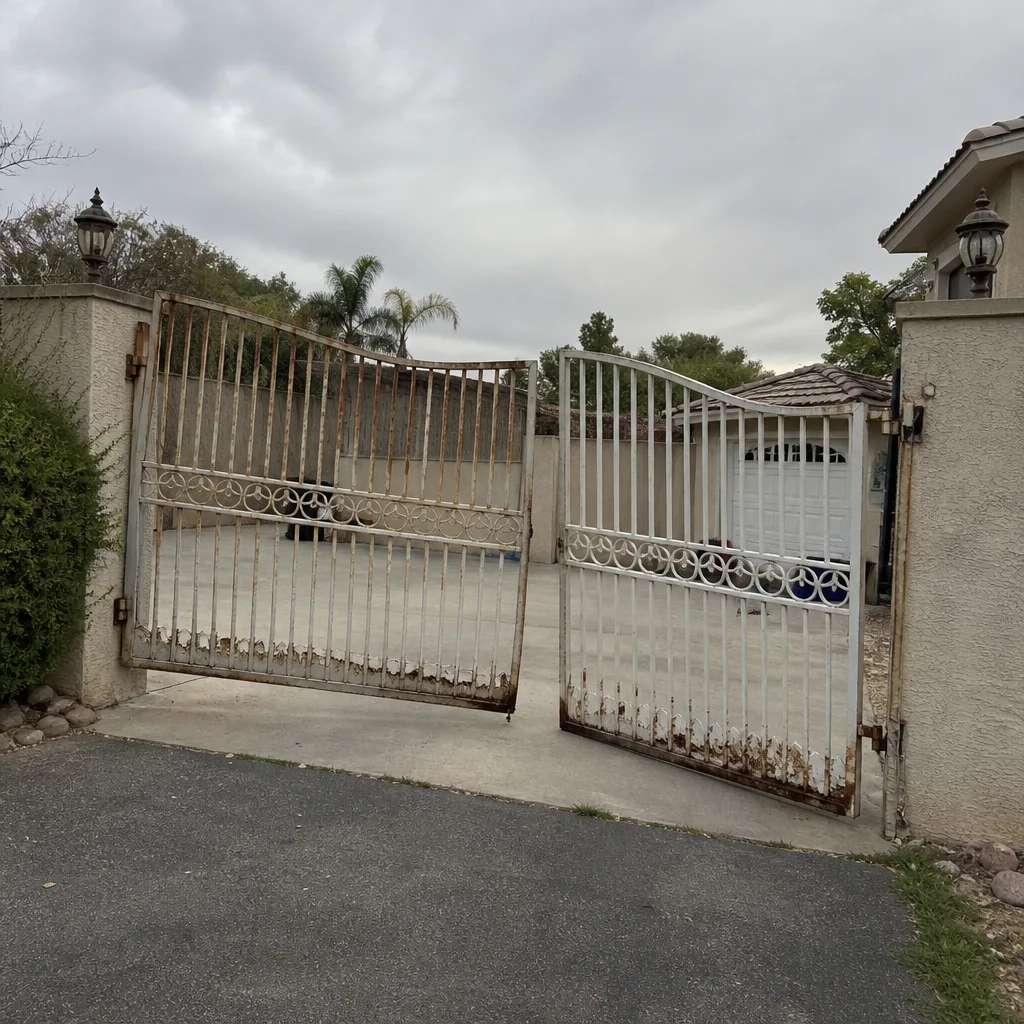 Before
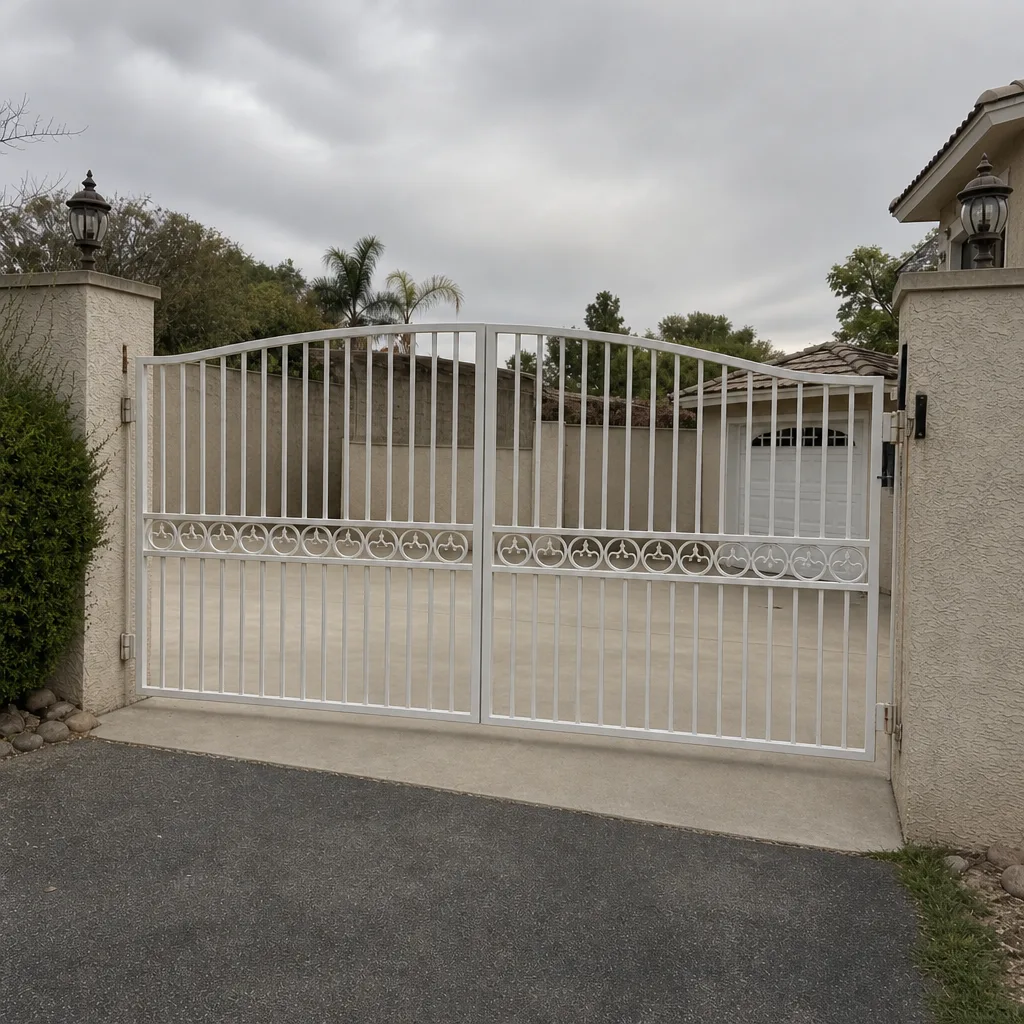 After
Why Power Outages Wipe Your Gate Programming
Non-volatile memory on modern control boards sounds like it should survive anything, but the reality on residential gates is messier. Many boards retain the master user list in volatile memory and write it to flash only when a programming session is properly closed out. If the installer added codes and pulled the plug without running the save routine, the codes live in RAM only. One utility interruption and they’re gone.
Summerlin gets its share of these calls. Monsoon-season brownouts and the grid flickers that come with summer peak load knock out subpanels across the valley, and gates that were fine for months suddenly stop recognizing fobs. We’ve pulled boards from gates in The Ridges and Red Rock Country Club and found the same pattern: solid hardware, empty user table.
Here’s the sequence to confirm it:
- Verify the control board has power – look for a lit status LED or measure voltage at the board’s power terminals.
- Press the manual open command (usually a button on the board labeled “Open” or “Cycle”). If the gate moves, the motor, arm, and safety edges are fine.
- Try a known keypad code or fob at the reader. If nothing happens but manual open works, the user table is likely empty.
- Check for a small battery on the board (usually a coin cell or a 9V). A dead backup battery lets memory clear on every outage.
If the battery is dead, replacing it – and re-entering every code – is the actual fix. Skipping the battery means you’ll repeat the whole process after the next flicker.
Recovery Steps for Common Summerlin Brands
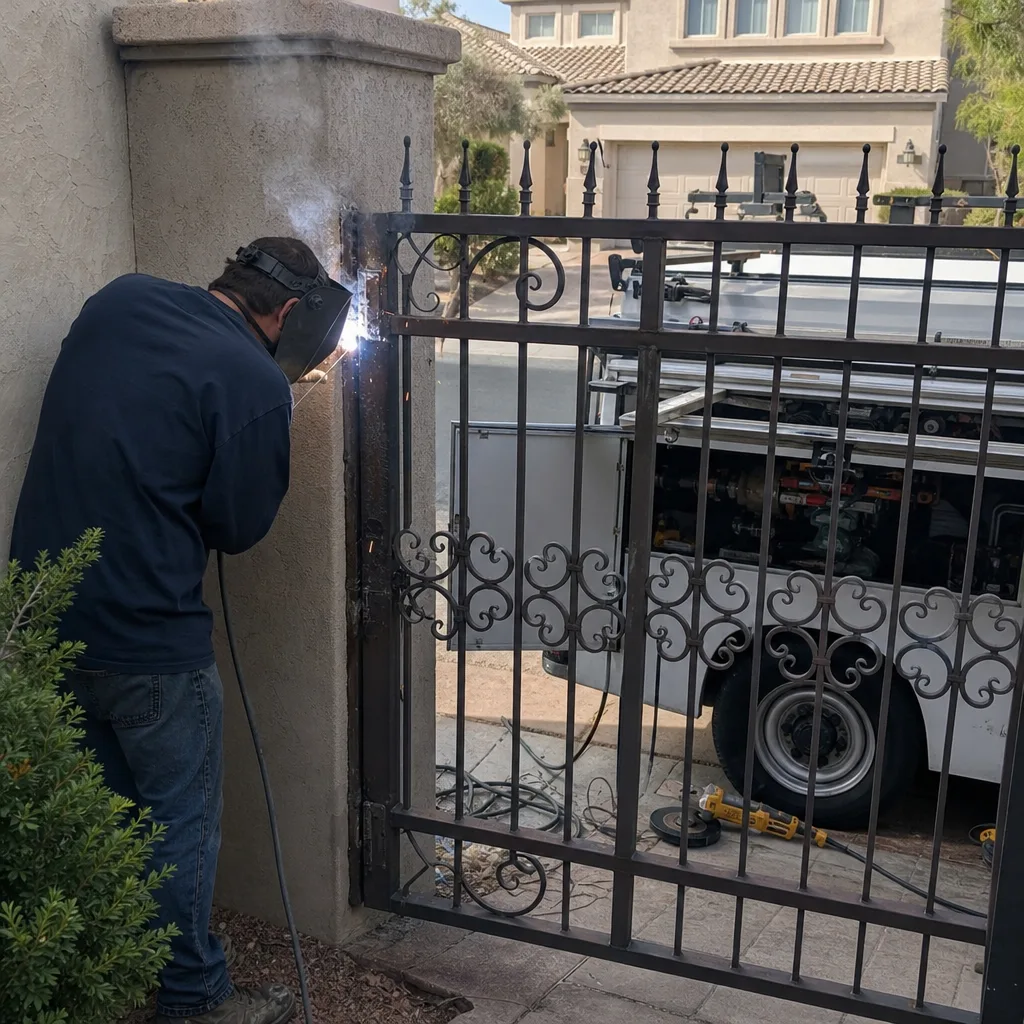
The re-programming dance differs by manufacturer, and guessing your way through a menu tree wastes an hour. These are the boards we see most often on Summerlin residential gates, with the recovery path that works for each.
LiftMaster and Linear
LiftMaster residential access boards typically hold a “learn” button for fob pairing and a separate programming mode for keypad codes. After a power loss with no backup, you’ll re-pair fobs by pressing learn, then pressing the fob within about 30 seconds. Keypad codes usually require entering the master code, then a specific function number – check the inside of the keypad cover, since many installers write the master code there.
Linear boards follow a similar structure but with a different function-number scheme. The master code reset on many Linear keypads involves a jumper or a specific button sequence on the keypad itself, not on the board.
FAAC and BFT
FAAC and BFT controllers – common on swing gates in Summerlin’s newer communities – store user data on removable memory modules on some models. If yours has one, the codes survive the outage and you can skip the re-entry entirely. If not, the programming menu is accessed with a dedicated button and navigated with two arrow keys. The manual matters here; without it, the menu language is genuinely opaque.
One thing worth knowing: FAAC and BFT boards often lock out programming for 30 seconds after power-up. You’ll press the program button and think it’s dead. Wait it out.
DoorKing (phone entry systems)
DoorKing systems used at community entries and some large residential lots are the most programming-dependent of the group. If your system has a resident directory and the directory is blank after an outage, the entry controller lost its memory. That’s a manual-in-hand job for anyone without the record.
Radio Interference in Dense Gated Communities
Here’s a problem that basically doesn’t exist on rural property and shows up constantly in Summerlin: your fob works from the driveway, then stops working from the same spot three weeks later. Nothing changed. Or your gate opens on the first press, then needs five presses in the afternoon and works perfectly again at night.
That pattern – same distance, different result, timing-dependent – points to radio frequency interference, not a failing transmitter. In dense gated communities, several things compete for the same spectrum:
- Neighbor gates on the same frequency. Many residential receivers share the 310 MHz, 318 MHz, or 390 MHz bands. Two gates within a few hundred feet on the same channel can interfere if both receivers are active.
- HOA master systems. Community entry transmitters broadcasting to a shared receiver can swamp your home’s receiver if the frequencies are close and the HOA transmitter is closer.
- Wi-Fi and smart-home gear. A newer mesh router or a video doorbell installed close to the gate receiver can raise the noise floor enough to shorten fob range.
To identify it, walk the fob toward the gate from 100 feet and note where it stops working. Then repeat at a different time of day. If the working distance changes with no physical change, it’s interference. Multi-frequency receivers and frequency-hopping fobs solve the problem, but they need to be matched to your existing board.
Using the Wiring Path as a Diagnostic Tool
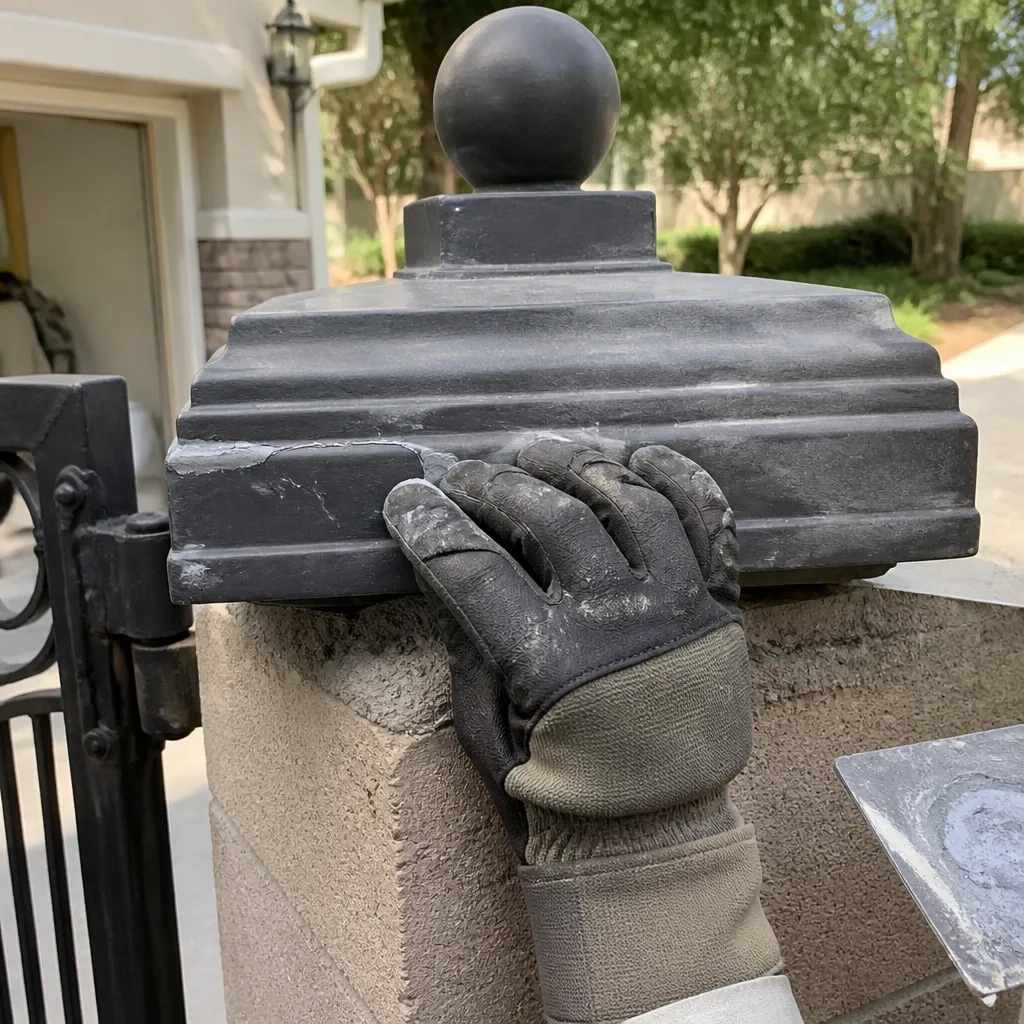
You don’t need a scope or a signal analyzer to find where a signal stops traveling. The wiring path from keypad to control board to motor will tell you where communication breaks if you check each junction in order.
The path is usually: keypad input → low-voltage wiring → control board input terminals → control board logic → motor output terminals → motor and safety devices. Start where the symptom is and work backward.
- At the keypad: if the keypad backlight is dead and no keys respond, check power at the keypad terminals. A keypad with dead backlight means the low-voltage feed is interrupted – likely a cut or corroded splice in the run.
- At the control board input terminals: with a multimeter, watch for voltage change when a valid code is entered. If the keypad lights up but the board shows no change on input, the wire between them is the fault.
- At the board logic: if the board sees the input but doesn’t command a cycle, the issue is programming (code table, close-timer, or interlock setting).
- At the motor output: if the board commands a cycle but the motor doesn’t turn, check the motor output terminals under load. A motor that hums but doesn’t move is jammed, not misprogrammed.
Corrosion is the most common break point in Summerlin, because the desert sun bakes exposed junction boxes and irrigation overspray finds its way into splices. A green or black terminal = the connection, not the device.
When Your App-Controlled Gate Stops Responding
Smart gate controllers add a layer of possible failure that mechanical gates simply don’t have. If your app shows the gate as offline or the open command spins without result, work through these in order – each one eliminates a layer.
- Your device. Force-close the app, then reopen. Sign out and back in. Try a second phone on the same account. If only one device fails, it’s the device.
- Your router. Check that the gate controller’s IP or MAC address still appears in your router’s client list. A router restart or a DHCP change can drop the controller off the network.
- Your carrier. If the app runs over cellular and your phone shows weak signal, the command isn’t reaching the cloud. Try over Wi-Fi to isolate it.
- The controller’s local connection. Walk to the gate and use the physical keypad or manual button. If the gate works locally but not remotely, the controller’s internet connection or firmware is the issue.
- The manufacturer’s server. Check the brand’s status page or community forums. Scheduled maintenance windows happen.
- Firmware. Older firmware on cloud-dependent boards can lose the cloud handshake after a power cycle. Check the controller’s version against the manufacturer’s current release.
The order matters. If you jump to firmware first, you’ll update a healthy board and still be offline because the real issue was a DHCP lease that dropped.
The Records You Need On File
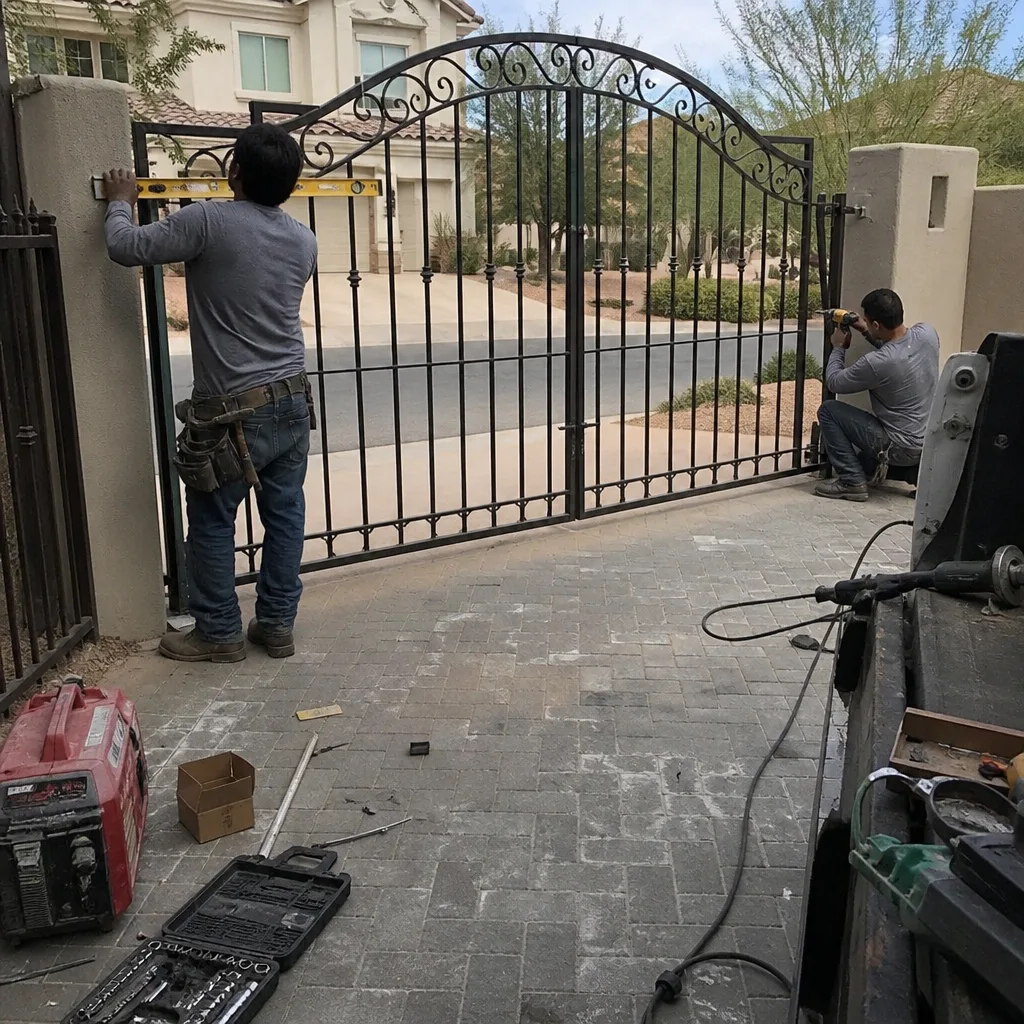
You can self-diagnose nearly every access control problem on this list if you have four things. If you don’t have them, that absence is the first problem to fix.
- The master code. Written down, not memorized. This is the code that unlocks programming, not the code that opens the gate.
- The brand and model number of the control board, the keypad, and each remote. Not the motor – the controller. The board is where the logic lives.
- The manual for the controller. Print it or save the PDF. Manufacturer sites host manuals for discontinued boards; download it before you need it.
- A photo of the programming page or screen after every change – which code is in which slot, which fobs are paired, what the close timer is set to.
Any technician who programs your system should leave you with the master code in writing, a photo record of the board settings, and a written note of any part numbers replaced. If a technician reprograms your gate and won’t hand over the master code, you have a problem that will show up the first time the power flickers. Every visit covered by the Haven Standard includes a documented photo record; there’s no reason for a gate company in Summerlin not to leave the same paperwork.
That same documentation habit is why we photograph limit switch positions and control board dials on every job. If you want to see what that record looks like, our gate repair in Summerlin page covers the process from the first visit through the write-up.
Common Mistakes to Avoid
- Replacing the keypad when the board lost its codes. A keypad that beeps and lights but doesn’t open is usually fine. The code is gone, not the keypad. You’ll buy a new keypad and have the same problem.
- Ignoring the backup battery. If the board has one and it’s dead, you’ll reprogram every outage. Replace it at the same time as the codes.
- Programming over a working system during the day. Reprogramming the gate while the HOA community is active means every neighbor with a shared fob calls you. Do it in a low-traffic window, or have a technician do it.
- Assuming all brands program the same way. LiftMaster, FAAC, BFT, and Linear each walk you through menus differently. Guessing on a FAAC board can lock programming for 30 seconds per failed attempt.
- Blaming the fob before checking the receiver. A fob with a dead battery works from five feet but not from twenty. Test range before replacing transmitters.
- Wiring a new device to a spliced terminal without crimping. Twisted wire and electrical tape will fail in Summerlin’s heat within a season. Use crimp connectors or terminal blocks.
- Standing between the gate and the post during a test. Safety edges catch most of these, but not every edge is functioning. Test from the side, never in the path.
See the difference
BeforeAfter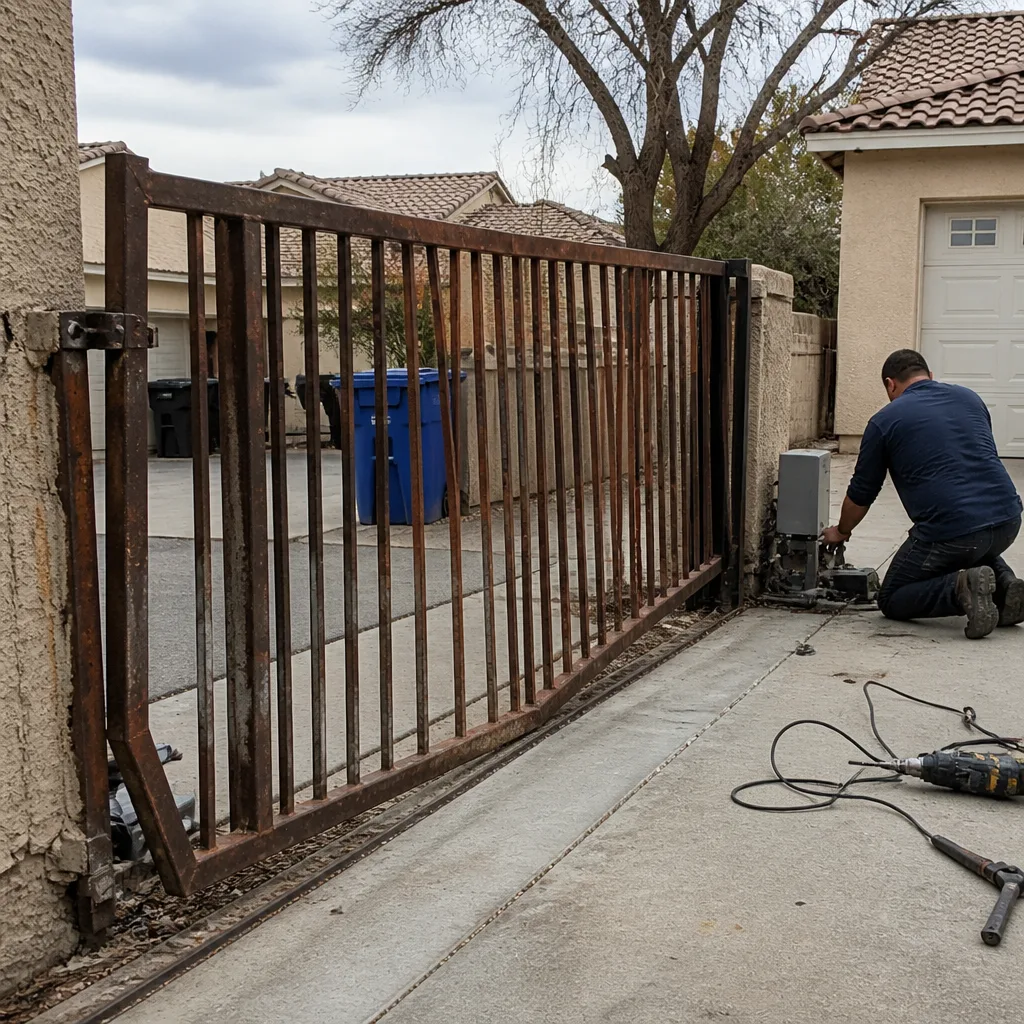 Before
 After
 Before
 After
When to Call a Professional
Call a trained technician when the board has power, the manual cycle works, but the gate still won’t accept codes after a reprogramming attempt – that points to a board-level fault you can’t diagnose from the outside. Call when you smell burning at the control board, when the motor hums without moving, or when the safety edge doesn’t reverse the gate during a side test. Those are safety issues, not programming issues.
Also call if you don’t have the master code. Reprogramming without it means defaulting the board, which wipes every fob and entry code on the system – including the neighbors’ on shared-entry gates. Summerlin gates under an HOA often share a DoorKing or Linear board at the community entry, and a well-intentioned reset can disable access for the whole street.
Vance Gate Repair Summerlin offers free estimates in Summerlin – call (844) 797-2809. A live person answers 24 hours a day, and every job gets a written price before work starts, so you know what a board replacement or reprogramming visit costs before anyone picks up a tool. If you already have a written estimate from another company, bring it in – the free second opinion under our gate motor & opener service covers any board or motor diagnosis.
Frequently Asked Questions
The keypad likely lost its user code table when the board’s volatile memory cleared during the outage. If the gate opens from a manual button but not from a code, it’s a programming loss, not a broken keypad. Re-enter the codes using the master code and check the board’s backup battery, which is often the reason the codes didn’t survive.
Reprogramming an existing system in Summerlin typically runs from $150 to $350, depending on whether the master code is available and how many devices need re-pairing. Board replacement with reprogramming runs $450 to $900, depending on the brand and model. Call (844) 797-2809 for an exact quote – estimates are free, and the price is written before work starts.
Yes, when both receivers share the same frequency band and are within a few hundred feet. In dense Summerlin communities, two gates on 318 MHz can interfere – one opens the other’s gate, or neither works from the driveway. The fix is a matched receiver set on a different frequency or a frequency-hopping fob, not a new garage door opener.
Check in this order: force-close and reopen the app, verify the controller appears in your router’s client list, restart the router, test locally at the keypad, then check the manufacturer’s server status. If the gate works locally but not remotely, the problem is the controller’s internet connection or firmware, not the gate itself.
Yes, and you should keep it written down somewhere other than your phone. Without the master code, any reprogramming requires a factory reset of the board, which wipes every code and fob on the system – including shared entry codes on HOA gates. Demand the master code in writing from any technician who programs your gate.
Often, yes – reprogramming visits and battery replacements in Summerlin are frequently completed the same day. Board-level failures that need a replacement part may take longer, since parts are ordered by brand and model. Call (844) 797-2809 and we’ll give you a written scope and price before scheduling.
The Bottom Line
Access control failures are almost always configuration failures – lost codes, dead backup batteries, dropped network links, or interference from a nearby transmitter. Start with power, then programming, then wiring, and you’ll fix the majority of gate access problems without a truck roll. Have the master code, the manual, the model numbers, and a photo of every programming change on file, and ask any technician who touches your board to leave the same documentation behind. If a fault survives all of that, it’s a board or motor issue that needs eyes on it.
If you’re in Summerlin and want that documentation on your gate, call Vance Gate Repair Summerlin at (844) 797-2809 for a free estimate. You can also see how a full install is scheduled on our gate installation in Summerlin page, or start from the Vance Gate Repair Summerlin home page to find the service that fits your problem. Every visit gets a written price before work begins and a photo record before the technician leaves.
Written by the team at Vance Gate Repair Summerlin.