
Last updated November 17, 2026
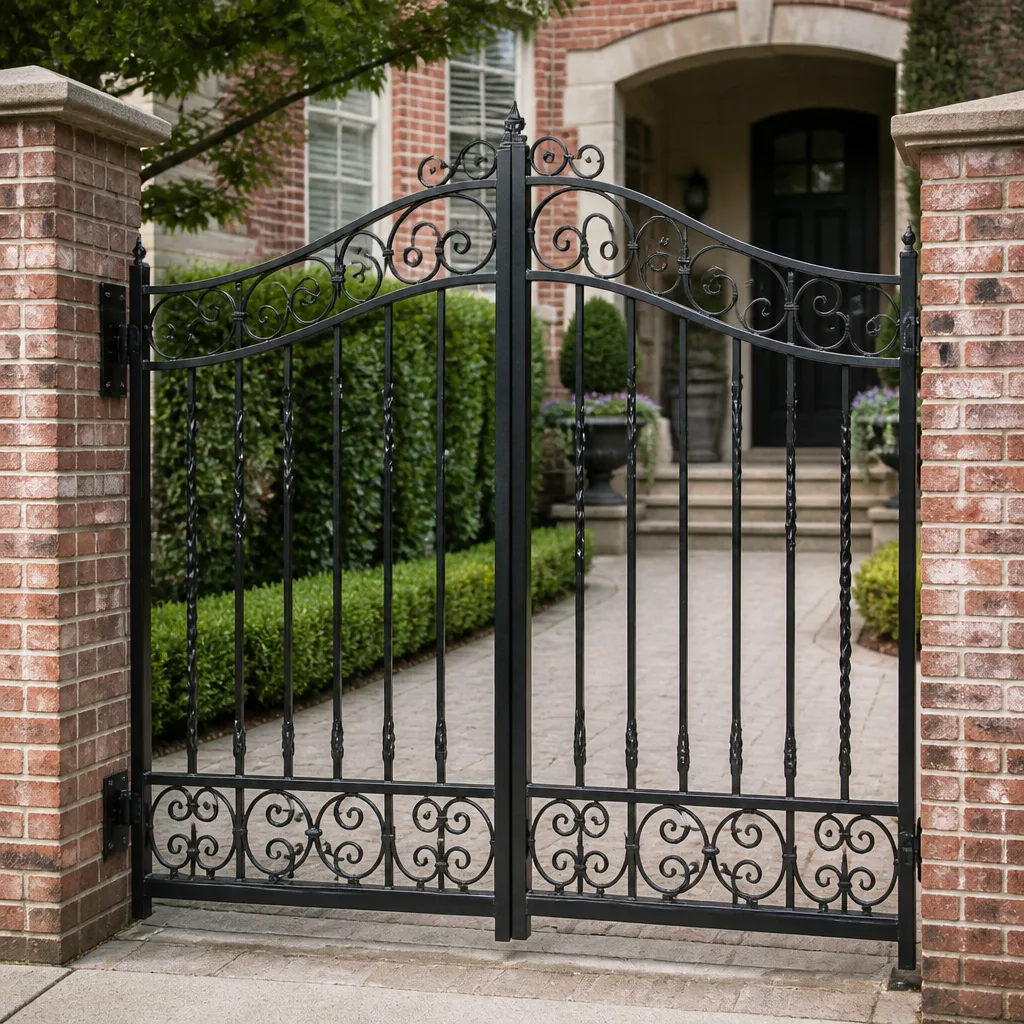 Wrought iron
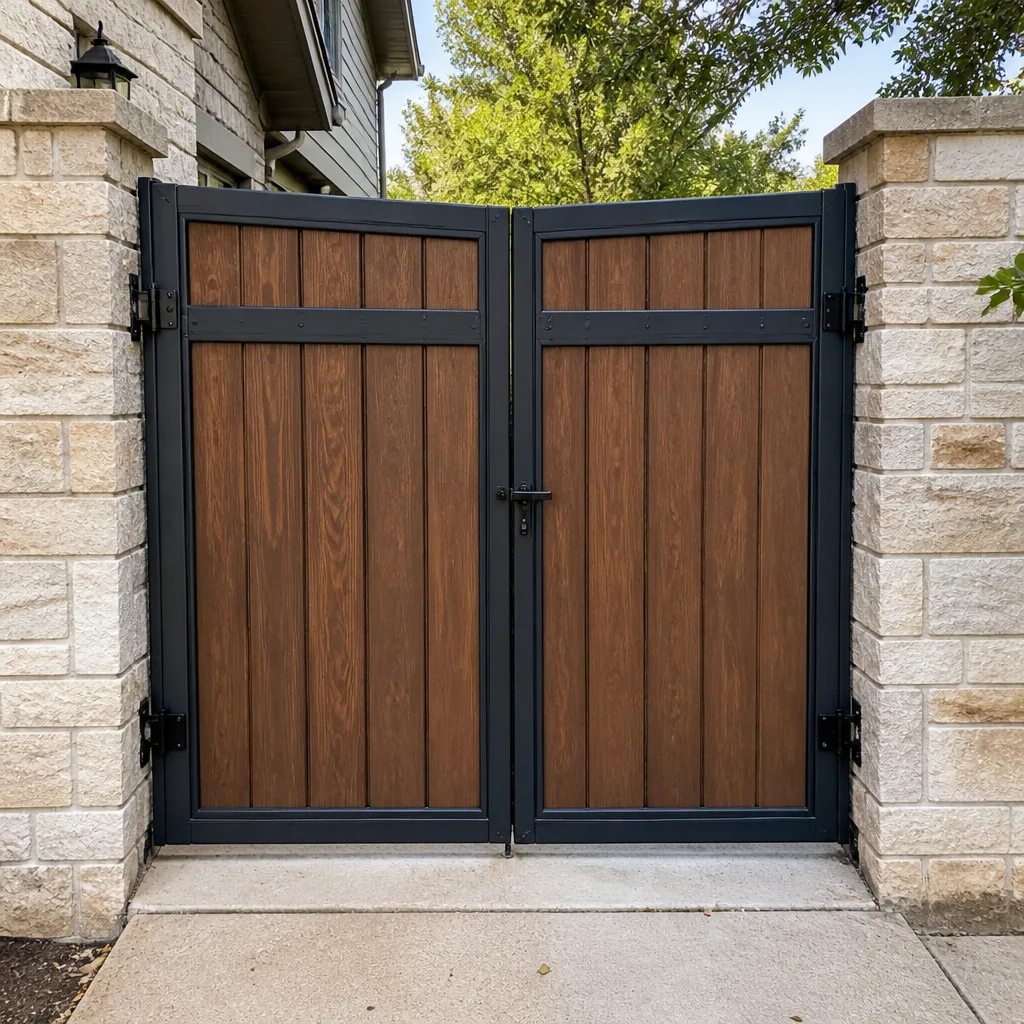 Wood & steel frame
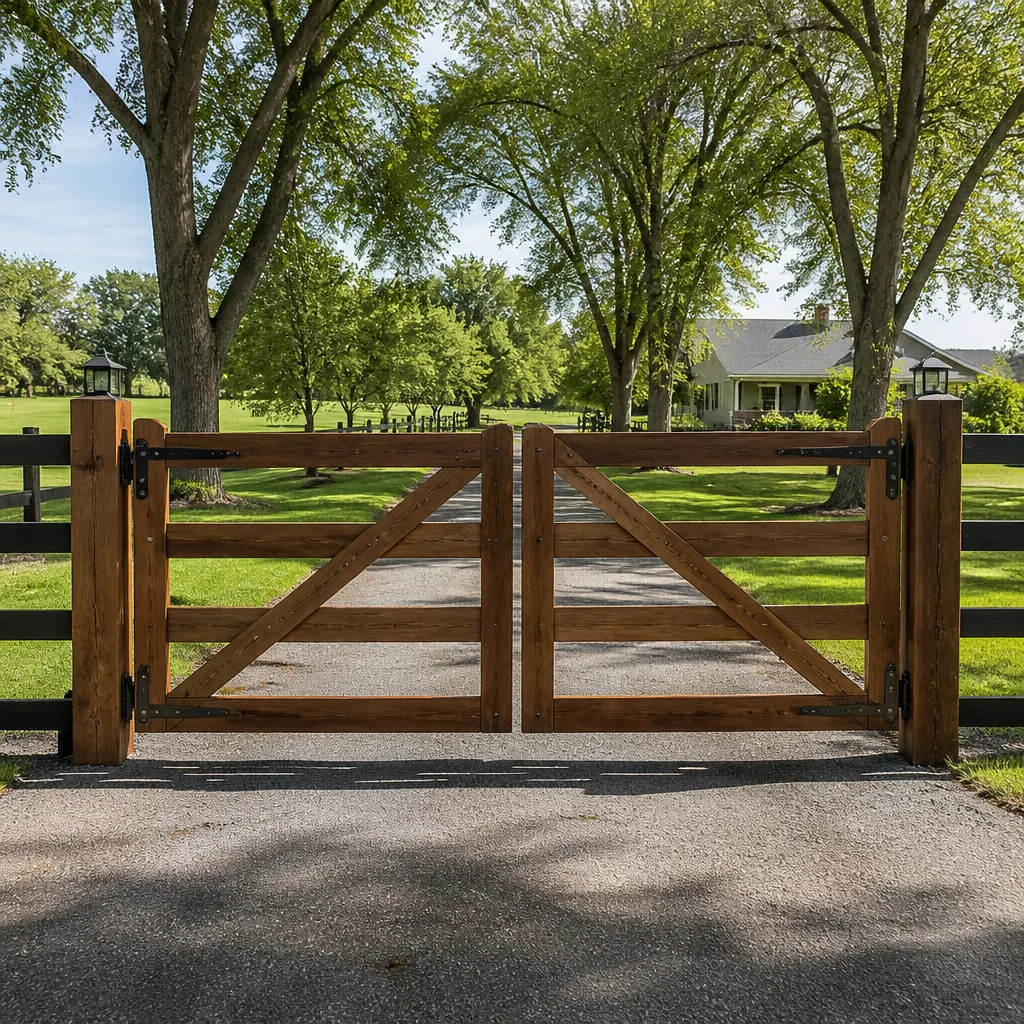 Farm & ranch
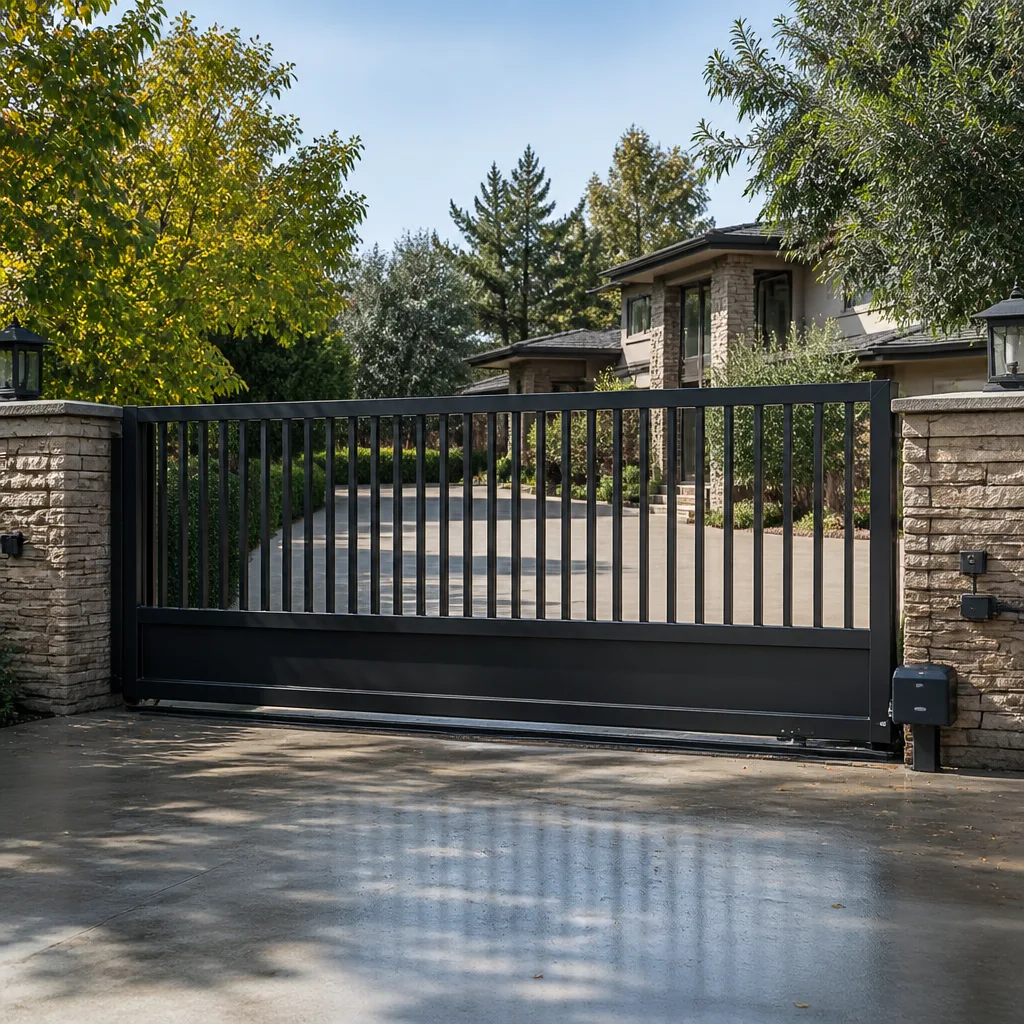 Sliding driveway gates
 LiftMaster operators
Free on-site gate assessment - hinges, posts, and your LiftMaster or Nice gate operator checked before anything is quoted
The assessment is free and the quote is the invoice.
Get your free estimateHow Long Does Gate Access Control Take? Timelines and What to Expect
A technician tells you “about two hours.” You clear your morning. Four hours later he’s still on a ladder with a multimeter, and you’re late for a meeting. Here’s what actually happened: the two hours he quoted covered hands-on labor, not diagnosis, programming, test cycles, and the documentation that has to happen before he drives away. That gap between a labor-hour number and real elapsed time is where most access-control expectations break. In Summerlin, where many properties run older intercoms or aftermarket readers wired by a previous owner, the diagnostic phase alone can swallow an hour before anyone touches a tool. This guide walks through each phase, its clock, and how to shrink the time before the technician arrives.
Quick Answer
Gate access control work typically takes 2 to 6 hours of elapsed time for a routine service call, and 1 to 3 days for a new reader, keypad, or intercom installation once parts are on-site. The labor itself is often shorter than the visit, because diagnosis, wiring trace, programming, testing, and written documentation each run on a separate clock. A clean, documented system averages 2 to 3 hours total; an undocumented legacy system with intermittent faults can stretch to a full day or require a return trip.
Styles & brands we work with
- Wrought iron
- Wood & steel frame
- Farm & ranch
- Sliding driveway gates
- LiftMaster operators
Table of Contents
- Why Access Control Runs on Four Clocks, Not One
- Phase-by-Phase Time Breakdown
- Intermittent Faults vs. Complete Failures: Which Takes Longer?
- How System Age and Brand Affect the Timeline
- What Extends a Job Unexpectedly
- What to Do Before the Technician Arrives
- Access Control in Summerlin: What We Actually See
- Why Documentation Is Part of the Clock
 Before
 After
Why Access Control Runs on Four Clocks, Not One
Access control is not one task. It’s four tasks stacked, and each one has its own timer. When a gate company quotes you a duration, ask which phase that number describes.
Clock 1: Diagnosis. This is the detective work. A technician reads the controller, traces wiring, checks voltage at the reader, and confirms whether the fault lives in the keypad, the board, the power supply, or the strike. On a well-labeled system this can take 15 minutes. On a panel with no wiring diagram and zip-tied leads that all look the same, it can take 90.
Clock 2: Programming. Adding a credential, re-enrolling a fob, or rebooting a reader’s firmware. On modern IP-based systems this is fast (10 to 30 minutes). On legacy serial systems it depends entirely on whether the manufacturer’s software still runs on hardware you have.
Clock 3: Test cycles. The gate has to open, close, and re-secure against every input the system accepts. That means walking the keypad, cycling the reader, testing the photo-eye (the infrared beam that stops the gate if something crosses the path), and confirming the exit loop triggers correctly. Budget 20 to 40 minutes.
Clock 4: Documentation. Notes on what was found, what was set, what was replaced, plus photos of the board, the new wiring, and the limit-switch readings. This is the phase most companies skip. It’s also the one that saves the next technician an hour.
When a technician says “two hours,” he usually means Clock 1 plus Clock 2 plus a quick test. The documentation and full test cycle add on top, and that’s assuming nothing gets found in diagnosis.
Phase-by-Phase Time Breakdown
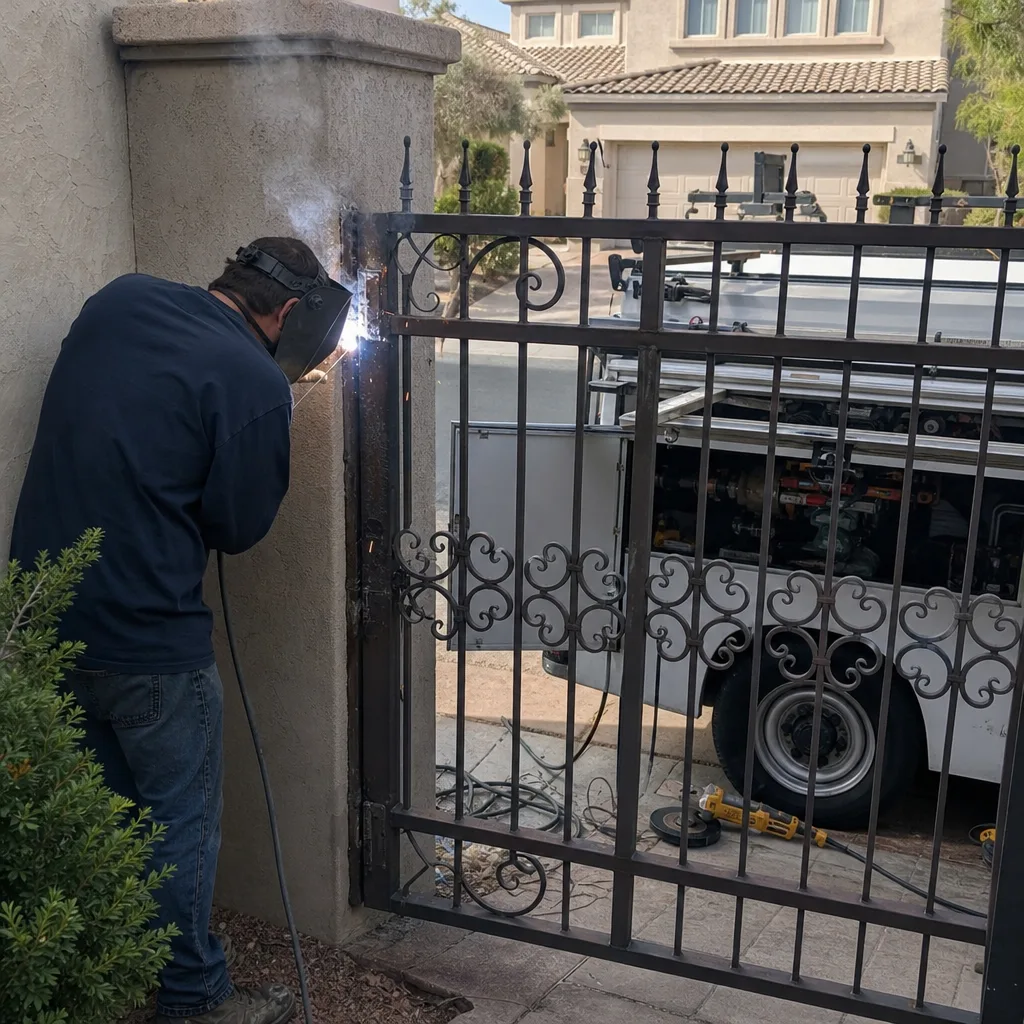
Here’s a realistic map of what a service call looks like on a residential driveway gate in Summerlin, assuming parts are on hand. For a new reader or intercom install, add 30 to 60 minutes to each of the first two phases.
- Arrival and site walk (10 to 15 minutes). The technician confirms the reported symptom, photographs the gate and controller, and asks when the fault began and whether it’s constant or intermittent.
- Controller inspection (15 to 30 minutes). Opening the housing, checking for moisture intrusion, corrosion, or burnt terminals. Summerlin’s dry heat is hard on plastic housings and rubber gaskets; we regularly find controllers that have baked and cracked after five years of afternoon sun.
- Wiring trace (20 to 60 minutes). Following the low-voltage runs from the reader or keypad back to the controller. If the prior installer labeled things, this is quick. If not, it’s the single biggest time sink on the visit.
- Diagnosis and confirmation (15 to 45 minutes). Testing each component against the failure symptoms. Intermittent faults require multiple test cycles to reproduce.
- Repair or replacement (30 to 90 minutes). Swapping a reader, keypad, strike, or board. Soldering and wire termination included.
- Programming (15 to 45 minutes). Enrolling credentials, setting timers, adjusting hold-open duration.
- Test cycles (20 to 40 minutes). Full open and close cycles against every input, including the safety photo-eye.
- Documentation and walkthrough (15 to 25 minutes). Photo log, written summary, and a walk-through with you so you know what changed.
Total elapsed on a clean, documented job: 2.5 to 5 hours. A full new installation of an access system on a gate that never had one runs one to three days once the site is measured, wiring is planned, and parts are delivered.
Intermittent Faults vs. Complete Failures: Which Takes Longer?
Counterintuitively, an intermittent fault almost always takes longer to diagnose than a complete failure. A dead keypad or a reader that stopped working entirely gives the technician a single question to answer: where did the circuit break? An intermittent fault gives him a moving target. The gate works at noon and fails at 7 p.m. The reader is fine for twelve scans and then doesn’t register. Each of those scenarios means multiple test cycles, sometimes across days, sometimes in specific weather.
Here’s how to tell which you have before the technician arrives:
- Complete failure: the credential, reader, or keypad never works, all day, every time. One clear fault line.
- Intermittent fault: the system works most of the time but fails under specific conditions – heat, direct sun, specific users, specific times, specific gate positions.
If you have an intermittent fault, write down the pattern before you call. “Fails after noon” or “first scan of the morning always times out” cuts diagnostic time dramatically. In Summerlin, the pattern we see most often is afternoon heat triggering a fault in a sun-exposed controller housing or a thermal overload in a failing transformer. If your system fails specifically between 2 and 5 p.m. in July, say so – it tells us where to look.
How System Age and Brand Affect the Timeline
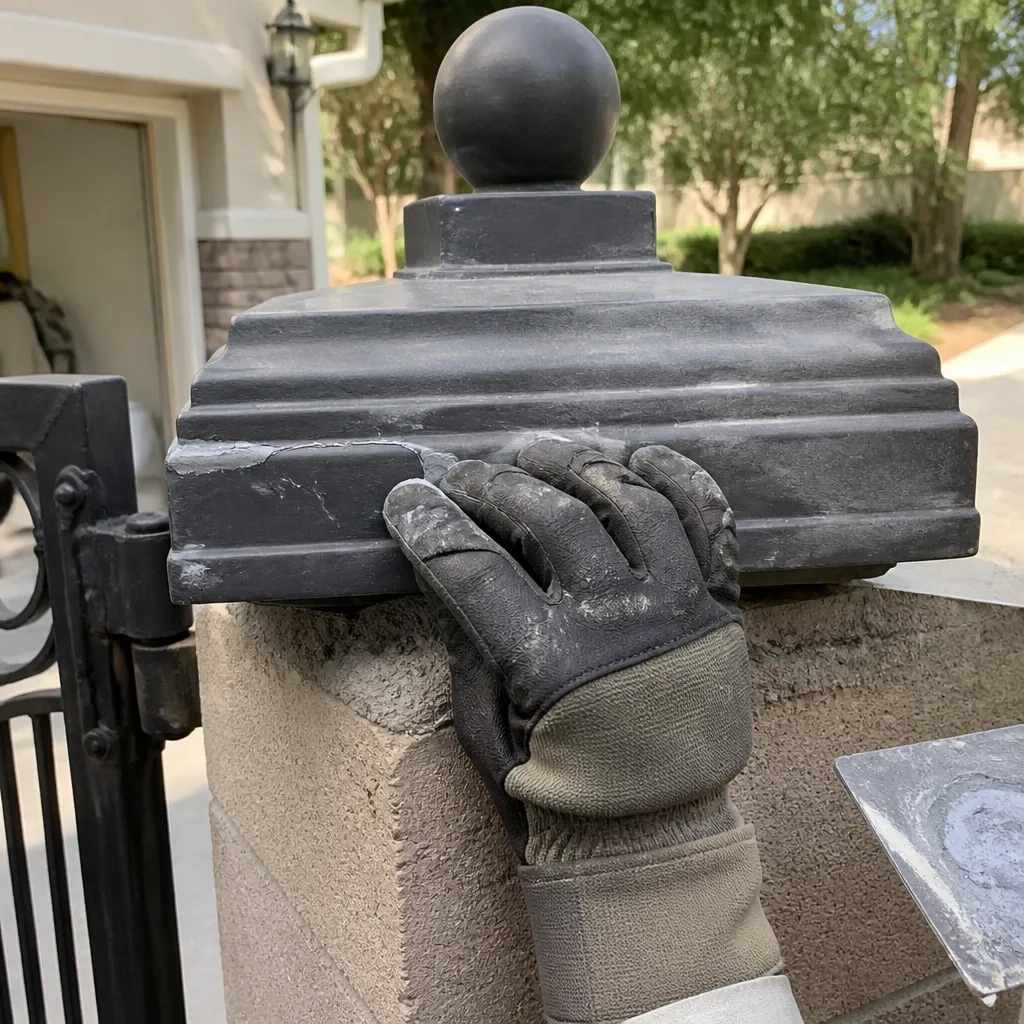
A twelve-year-old legacy intercom system running on RS-485 serial will take longer to service than a two-year-old IP-based reader, every time, for two reasons: the software may not be available, and the wiring is usually undocumented. When we’re looking at a legacy DoorKing intercom that hasn’t been touched in a decade, we plan a half-day. When we’re looking at a modern IP reader, we plan two hours.
Brand matters less than documentation. Ghost Controls and Elite are common enough in Summerlin that most technicians know the wiring convention by memory. Mighty Mule is similar. It’s the older aftermarket boards and discontinued systems that drag the clock. The good news: because we service nine major automation brands, we’re not incentivized to steer a repair toward a full replacement just because the brand isn’t ours.
| System type | Typical service-call time |
|---|---|
| Modern IP-based reader, documented | 1.5 to 2.5 hours |
| Modern brand keypad (Ghost Controls, Elite, Mighty Mule) | 2 to 3 hours |
| Legacy intercom, documented | 3 to 4 hours |
| Legacy intercom, undocumented | 4 to 6 hours, possible return trip |
| New reader + wiring install | 1 to 2 days |
| Full access system, gate never had one | 2 to 3 days |
If you’re replacing a system, or upgrading a keypad, our Gate Motor & Opener in Summerlin page walks through what’s involved on the automation side. Access control and motor automation overlap, and the timeline for one affects the other.
What Extends a Job Unexpectedly
Most overruns come from four sources. Knowing them ahead of time won’t prevent all of them, but it will help you understand why the call is running long instead of wondering if the technician is stalling.
- Missing documentation from prior installs. If the previous installer left no wiring diagram, no photos, and no notes, the technician is tracing from scratch. Two hours of diagnosis replaced by twenty minutes of reading, potentially.
- Corroded terminals. In Summerlin, irrigation overspray and dust combine to corrode low-voltage terminals faster than most homeowners expect. A corroded terminal block means cutting back wire, re-terminating, and retesting, sometimes at every connection on the board.
- Mismatched hardware. A modern reader wired into a legacy controller, or a keypad rated for 12V fed by an 24V power supply. These show up when someone tried a DIY upgrade and left the interface half-done.
- Hidden moisture intrusion. Water inside a controller housing doesn’t always announce itself. It shows up as a strange intermittent fault that only reveals on inspection.
When we took apart a system in Summerlin last spring, we found four different wire colors spliced into a single terminal with two of them mislabeled. Diagnosing that alone took over an hour because the fault only appeared when the gate cycled from open to closed. If the prior system had been documented, that hour disappears.
What to Do Before the Technician Arrives
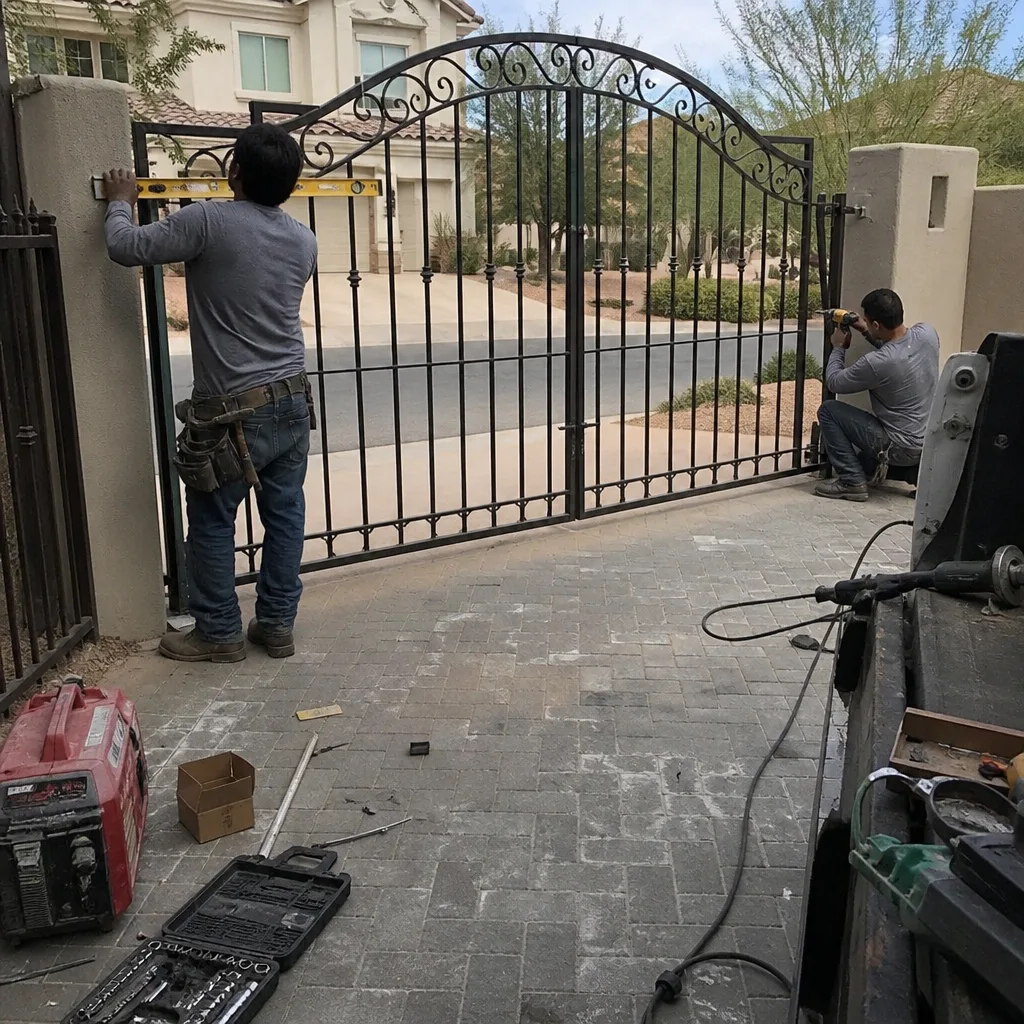
You can shave 30 to 60 minutes off the diagnostic phase with a few simple preparations. None of these require touching the gate or opening the controller housing.
- Write down the symptom pattern. Does the fault happen every time or only sometimes? At a specific time of day? In hot weather? After rain? Note the exact behavior.
- Find your prior paperwork. Any invoice, wiring diagram, or photo from the last installation or service call. Even a photograph of the old technician’s notes is useful.
- Photograph the outside of the controller housing and the reader or keypad. Brand names, model numbers, and mounting locations are all useful. Don’t open the housing.
- Confirm gate mechanical condition. If the gate itself is stiff, sagging, or dragging, that affects the access control diagnosis because the safety fault could be mechanical rather than electrical. Note any physical symptoms.
- Have someone available who can test credentials. If you have multiple users, someone who knows the codes and fobs should be present when the technician wants to verify them.
Do not attempt to open, wire, or reprogram the access control board yourself. The voltages are low, but the system ties into the gate operator, and any mis-step can destroy a controller board that costs several hundred dollars to replace. On older systems, a kinetic spring or unexpected test cycle can cause injury. Leave it to a trained technician.
Access Control in Summerlin: What We Actually See
Summerlin properties have a few specific characteristics that affect the timeline. First, many of the neighborhoods here have gates installed by different builders at different times, sometimes to the same driveway but not to the same standard. In a single master-planned community, we’ve encountered gate access control systems built to five different electrical conventions. That’s rare in an older city and common here.
Second, the heat. A controller housing in direct afternoon sun here can hit internal temperatures far above ambient. Plastic housings crack, rubber gaskets dry out, and boards develop solder cracks at thermal stress points. We plan an extra 15 to 30 minutes for Summerlin jobs in July and August, and we’re usually right.
Third, HOA requirements. Summerlin has multiple HOAs, and each has its own rules on gate hardware and reader placement, particularly where the reader is mounted on the pillar face, which some boards restrict. If your access control change touches any structural element of the gate or its pillars, the HOA may need to approve before work starts. That’s not our clock to control, but knowing it exists helps you plan. This is a common reason a project that “should have been done last week” sits for two weeks – the approval, not the labor.
If your property needs more than access control, our Gate Repair in Summerlin page covers the mechanical side of gate and hinge work. For a full install of a new gate and access system together, see our Gate Installation in Summerlin page.
Why Documentation Is Part of the Clock
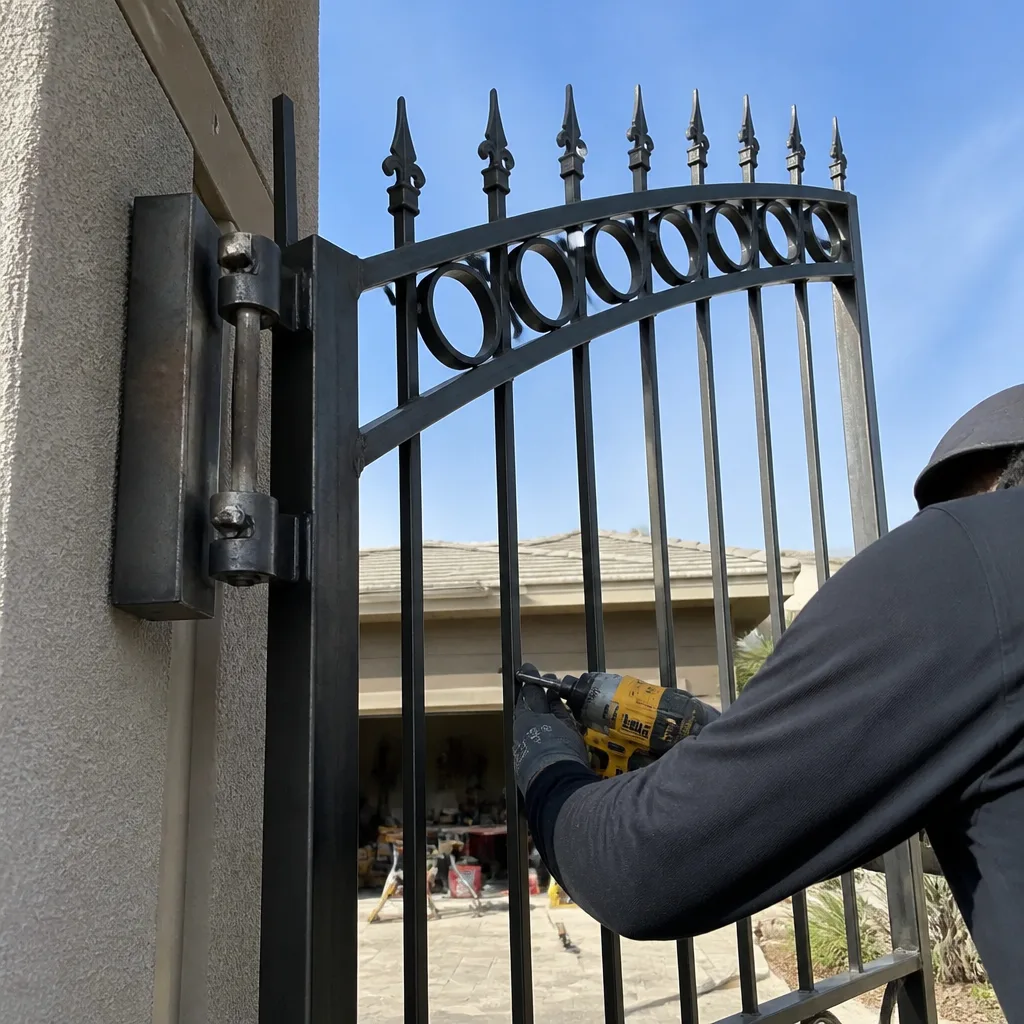
The last 15 minutes of a service call are the ones that save hours later. A written record of what was found and what was set means the next technician (whether it’s us or someone else) doesn’t have to repeat the diagnosis. When we open a controller that has a photo log from the last visit, diagnostic time drops by 30 to 50 percent. It’s the single highest-leverage thing a technician can leave behind.
Documentation includes: a photograph of the inside of the controller housing with the current wiring, a photograph of any replaced part with its label visible, a written list of the limit-switch readings or programming values set during the visit, and a summary of what was found. Under the Haven Standard, every visit gets this. Under Clause 4 (Evidence on every job), it’s included at no extra charge. It’s not sales; it’s a record that keeps future visits honest.
When a job is done without documentation, you pay for the next technician to rediscover. That’s not a timeline issue in isolation – it’s why the second and third visits on an undocumented system always take longer than the first.
Common Mistakes to Avoid
- Accepting a labor-hour quote as total time. Two hours of labor is not two hours of your day. Ask which phases the number covers: diagnosis, programming, test cycles, documentation.
- Skipping the intermittent pattern. If you call a company and just say “the gate doesn’t work,” you’re adding half an hour to the diagnosis. Note the pattern before you call.
- Assuming the reader is the fault. In our experience, roughly half of access-control problems turn out to be the board, power supply, or wiring, not the reader or keypad. Don’t pre-buy a reader before someone diagnoses.
- Not saving previous service paperwork. Even an old invoice helps. Photograph it and keep a copy on your phone.
- Letting a technician start work without a written price. Any access-control job that reveals unexpected damage during diagnosis (corroded terminals, cracked housing) should pause and produce a new written price before continuing. The price you agreed to should be the price you pay.
- Ignoring HOA approval in Summerlin. If your access control change touches the pillar or gate structure, confirm the HOA requirement before any technician opens the housing. Nothing adds a week to the schedule faster than a stop-work.
- Trying a DIY firmware update or board swap. Modern readers and legacy boards both have firmware pitfalls. A failed update can brick a controller board. Leave it to a trained technician.
See the difference
BeforeAfter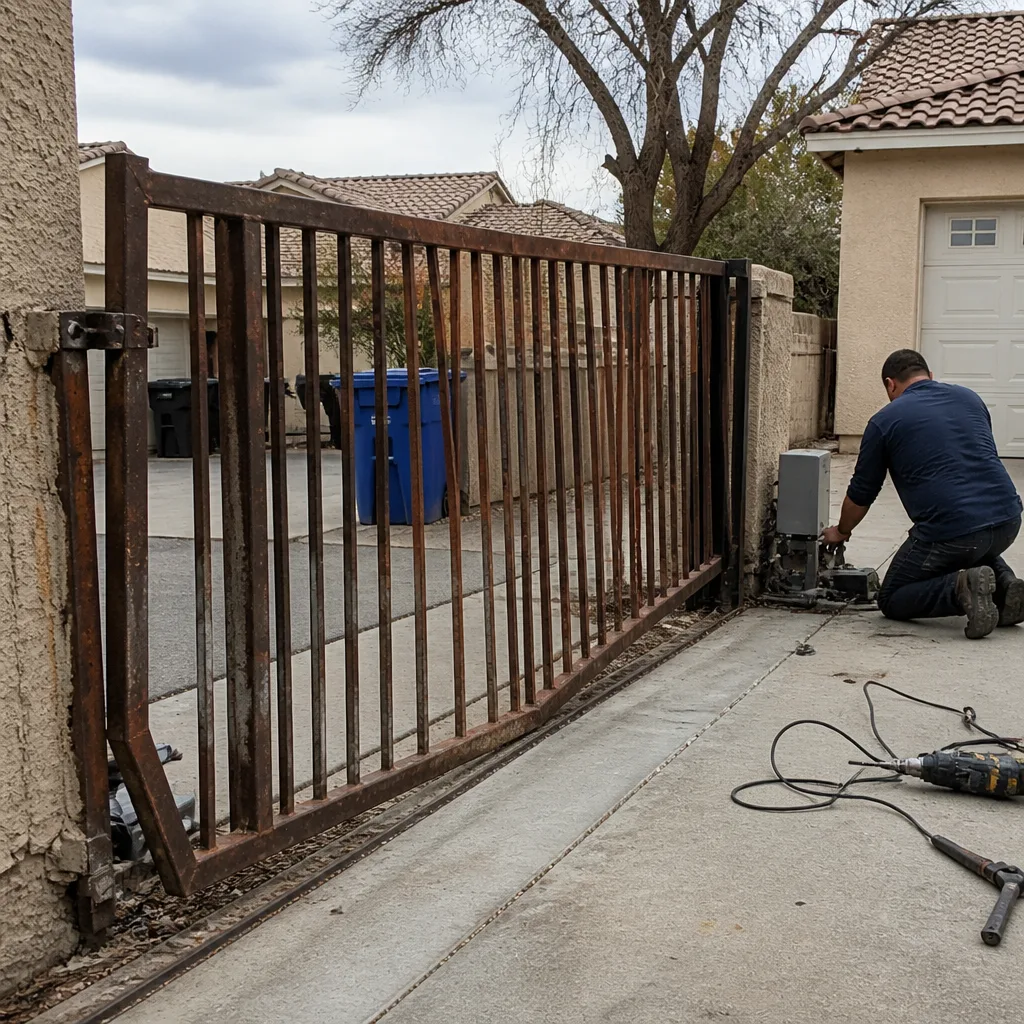 Before
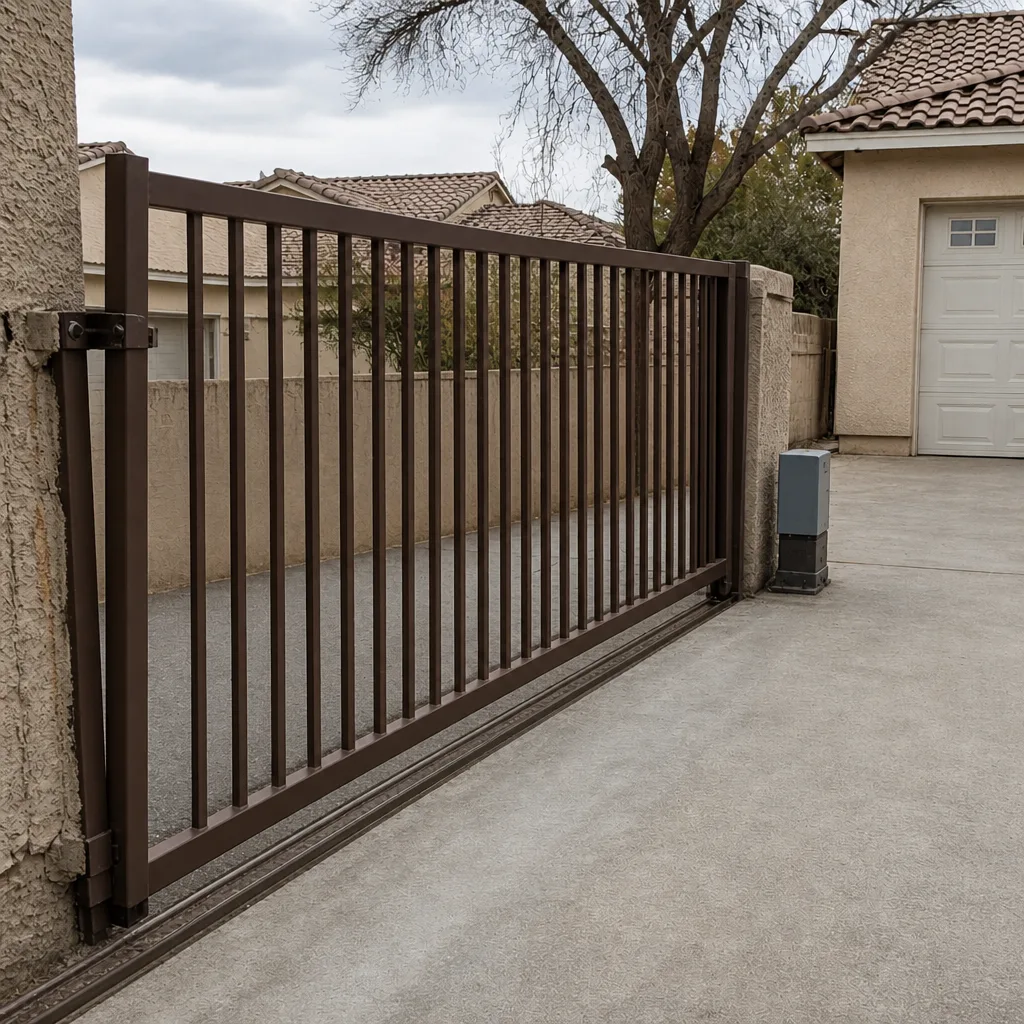 After
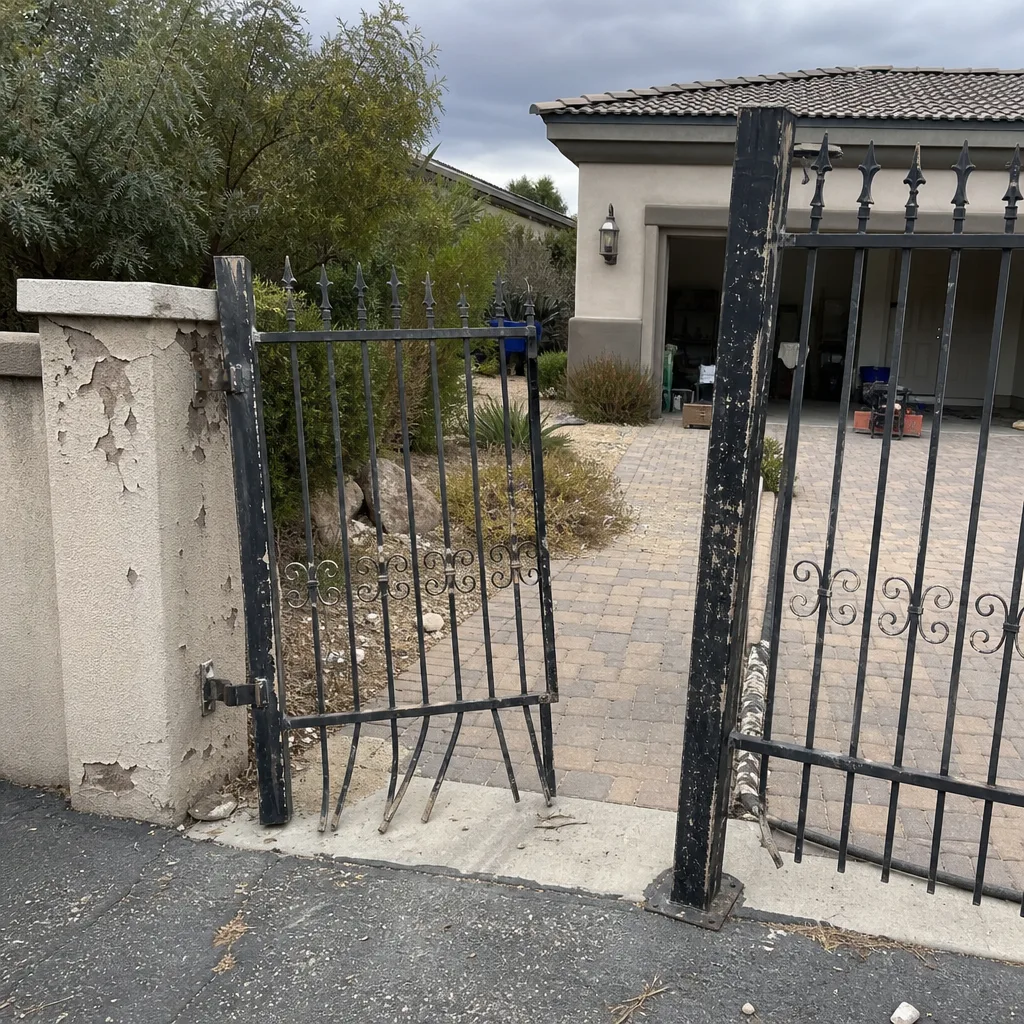 Before
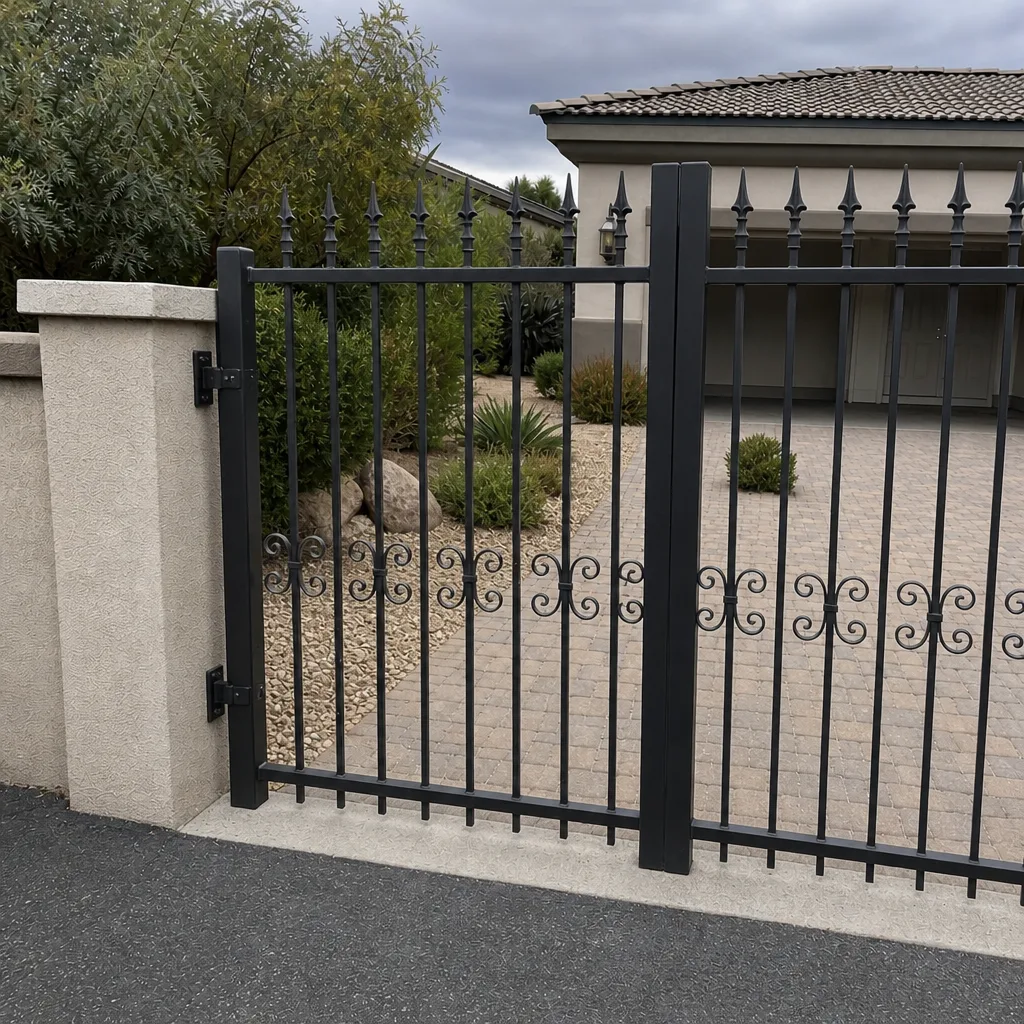 After
When to Call a Professional
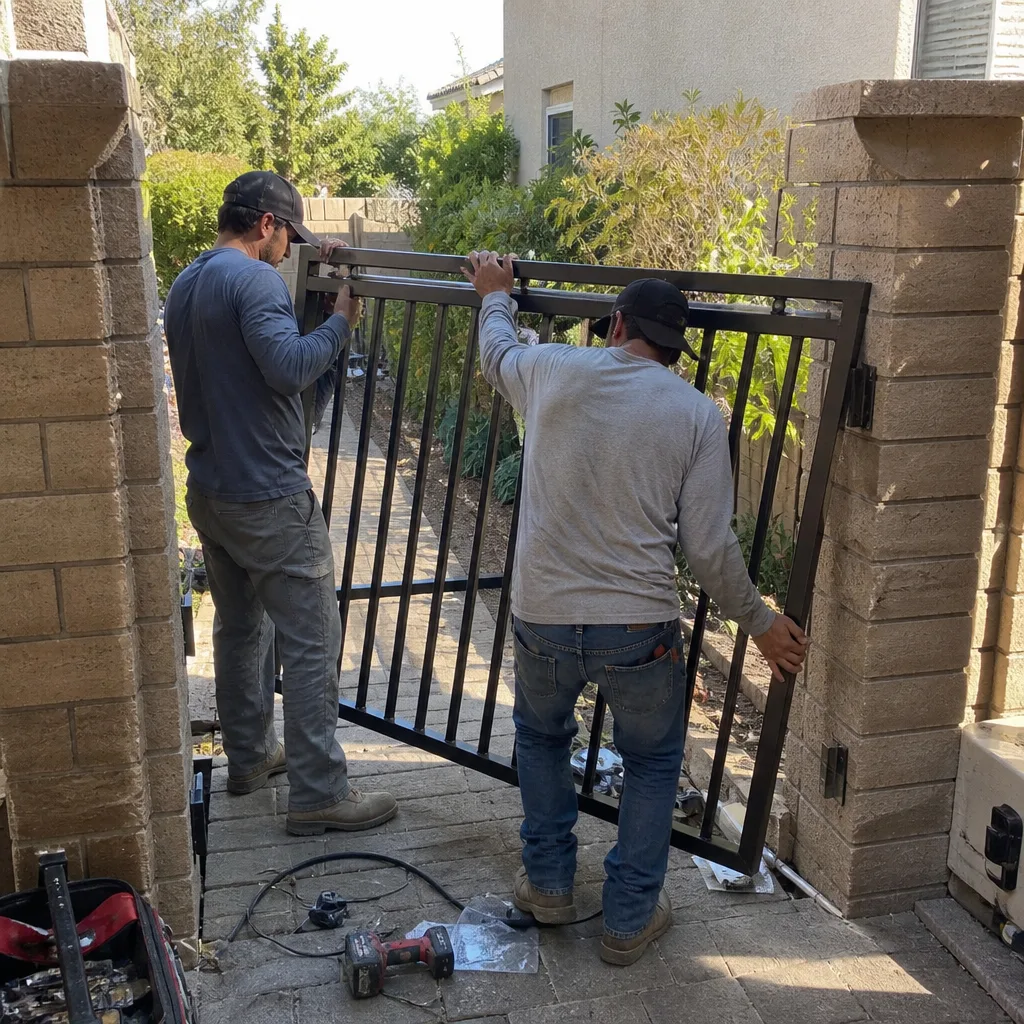
Call a professional if the access control system fails consistently for any user, if the reader or keypad stops responding to credentials, if you notice corrosion or water inside the controller housing, if the gate stops mid-cycle without explanation, or if you’re considering adding a reader or keypad to a gate that never had one. Don’t attempt to open a controller, replace a board, or re-program a legacy system yourself. The low voltage is deceptive – the consequences, from a destroyed board to a safety photo-eye disabled without a fault alarm, are not.
Vance Gate Repair Summerlin offers free estimates in Summerlin – call (844) 797-2809. A live person answers at any hour, and the written price comes before any work begins.
Frequently Asked Questions
Plan on 2 to 6 hours of elapsed time for a routine service call, and 1 to 3 days for a new installation once parts are on site. The labor itself is often 90 to 180 minutes; diagnosis, test cycles, and documentation add the rest. Call (844) 797-2809 for an exact quote – estimates are free.
Intermittent faults give the technician a moving target. A dead system has one question to answer; an intermittent fault has to be reproduced before it can be fixed, which may take multiple test cycles, sometimes across days. If you know the pattern before we arrive (afternoon, hot days, specific users), diagnosis drops by half.
Brand matters less than documentation, though modern systems are faster to service than legacy ones. A Ghost Controls keypad is a common setup and diagnoses quickly; a legacy DoorKing intercom without written documentation can add an hour. We service both, plus BFT, FAAC, Linear, Elite, and Mighty Mule. Call (844) 797-2809 for a written estimate – free.
Summerlin heat accelerates housing and gasket failure, and many of the properties here have gate access control systems installed to different conventions by different builders. That adds diagnostic time. HOA approval can also add days if the change touches a pillar or structural element. Our written price before every job accounts for these conditions upfront – the number you see is the number you pay.
Write down the symptom pattern, find any prior paperwork or photos of the system, photograph the outside of the reader and controller housing (do not open it), and note any physical gate symptoms. These five minutes cut 30 to 60 minutes off diagnosis. Call (844) 797-2809 if you have a written estimate from another company – we’ll review it free.
For diagnosis, yes. For the walkthrough and documentation handoff at the end, absolutely. For an install, a partial presence works if someone can verify credentials and sign off on the completed system. The photo log and written summary are handed to the homeowner, so a live person needs to receive them. Call (844) 797-2809 to schedule.
The Bottom Line
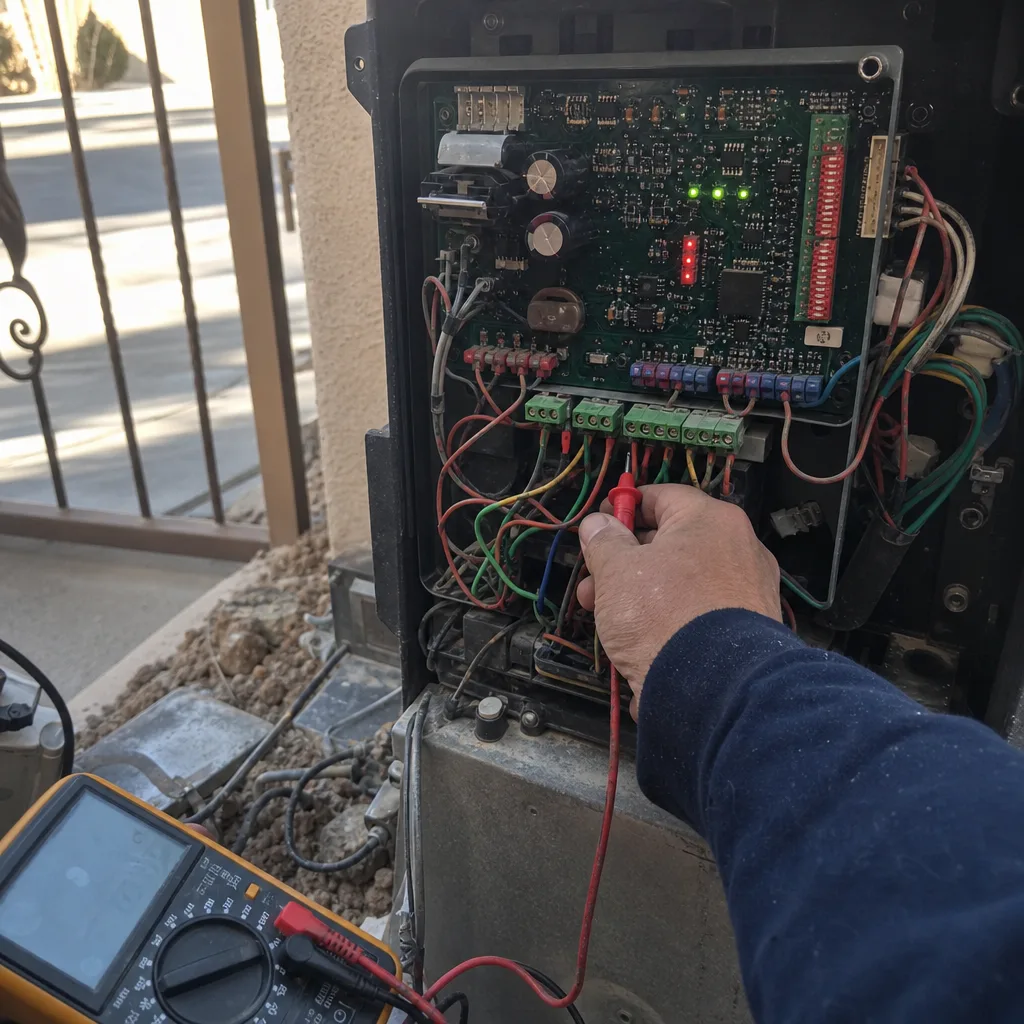
The number that matters is elapsed time, not labor hours. Diagnosis, programming, test cycles, and documentation each run their own clock, and a well-documented system moves through all four in 2 to 3 hours. An undocumented legacy system with an intermittent fault can take a full day or two visits. Before you call, note the fault pattern and find any prior paperwork. When we arrive, you get a written price before work starts, a photo log when we leave, and 365 days of the Done Right Promise covering the job. Call (844) 797-2809 for a free estimate. Under Clause 1 of the Haven Standard, the price is in writing before we pick up a tool.
Written by the team at Vance Gate Repair Summerlin.