
Last updated November 17, 2026
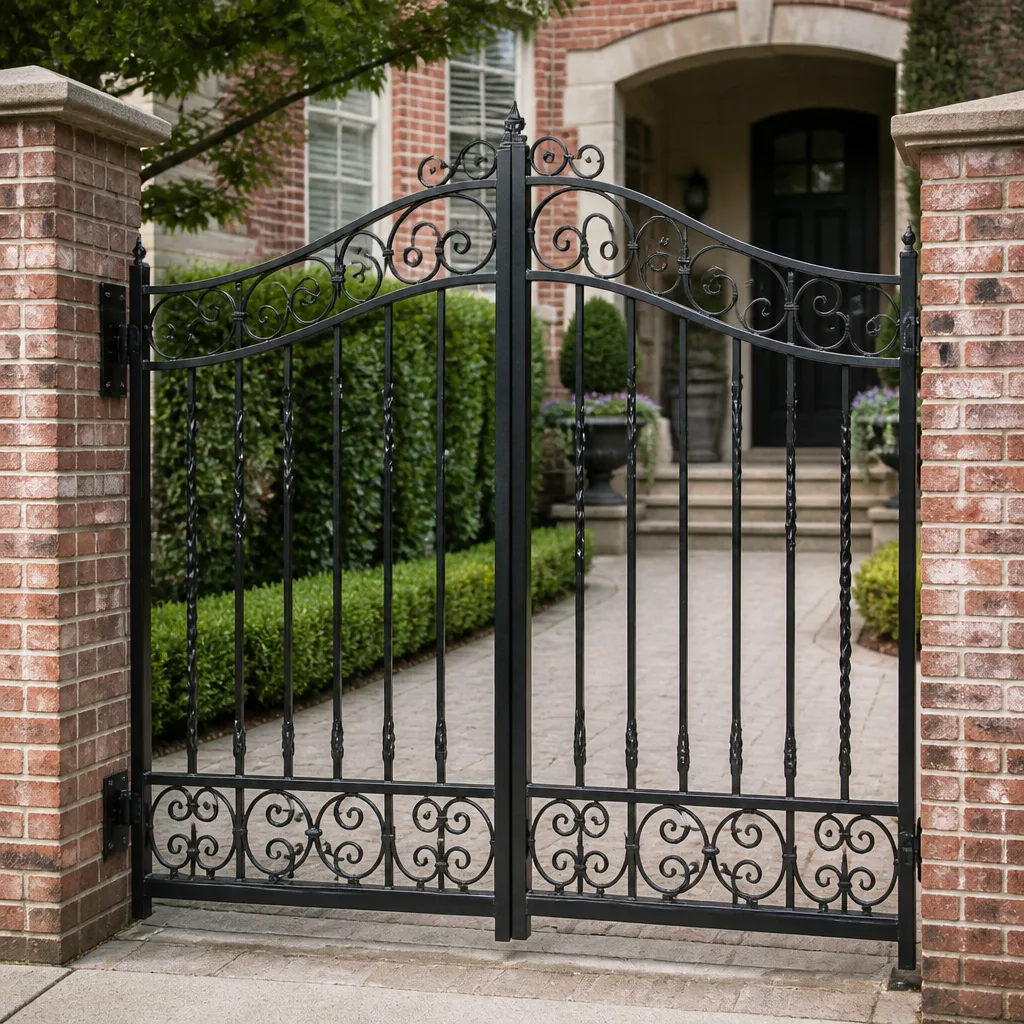 Wrought iron
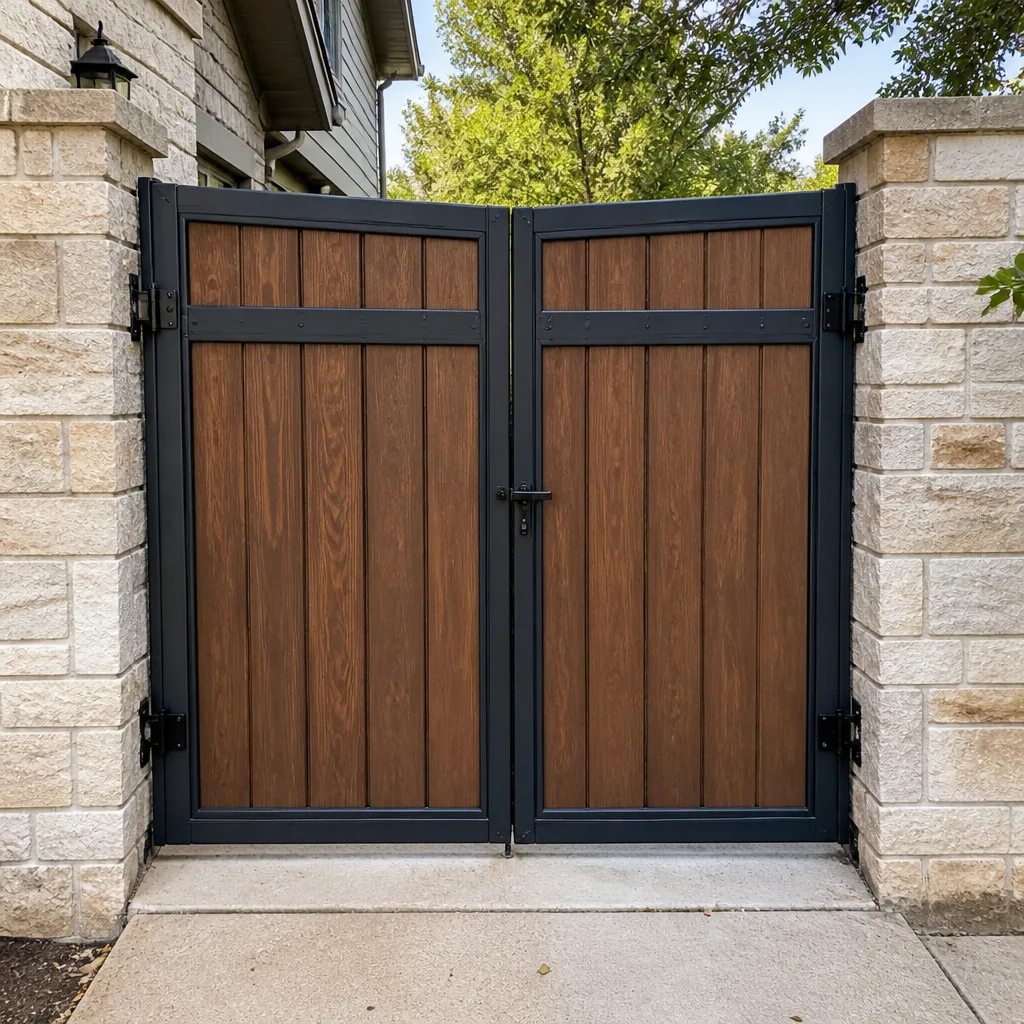 Wood & steel frame
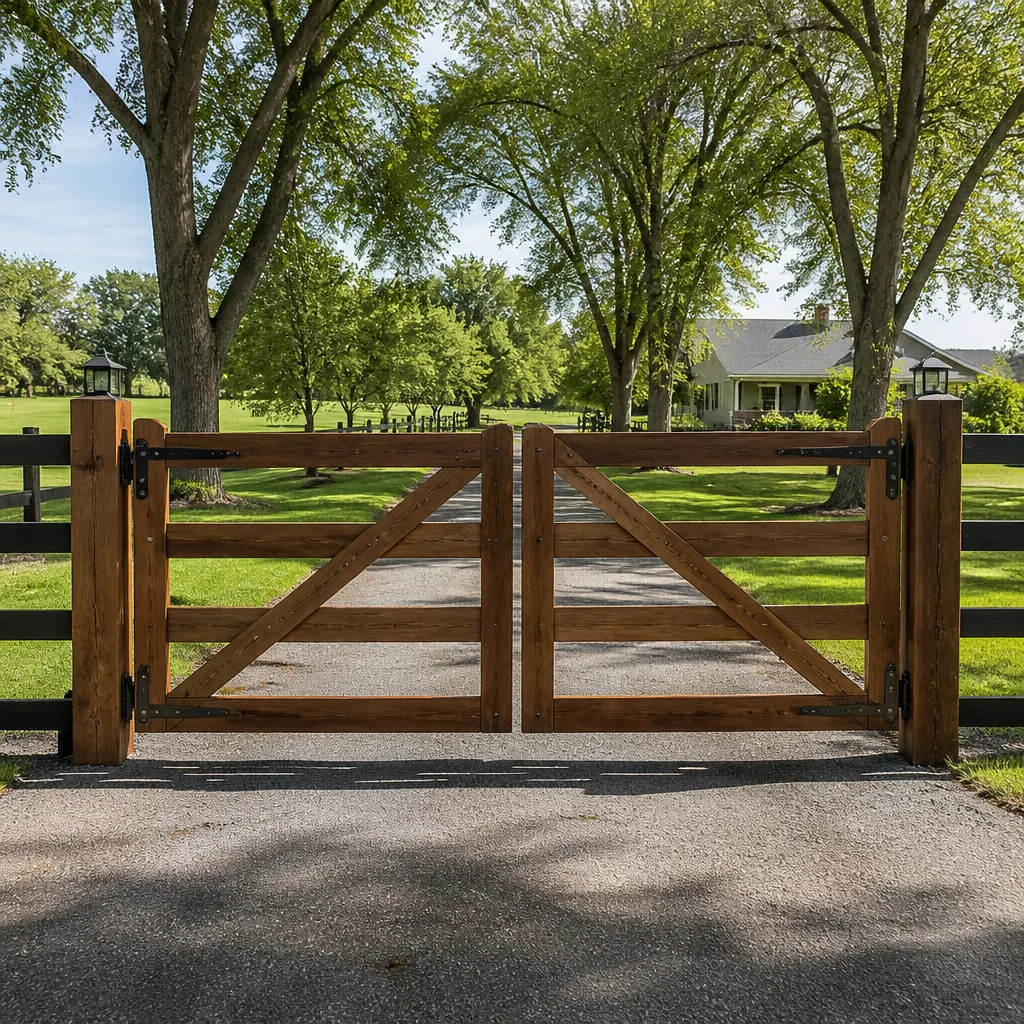 Farm & ranch
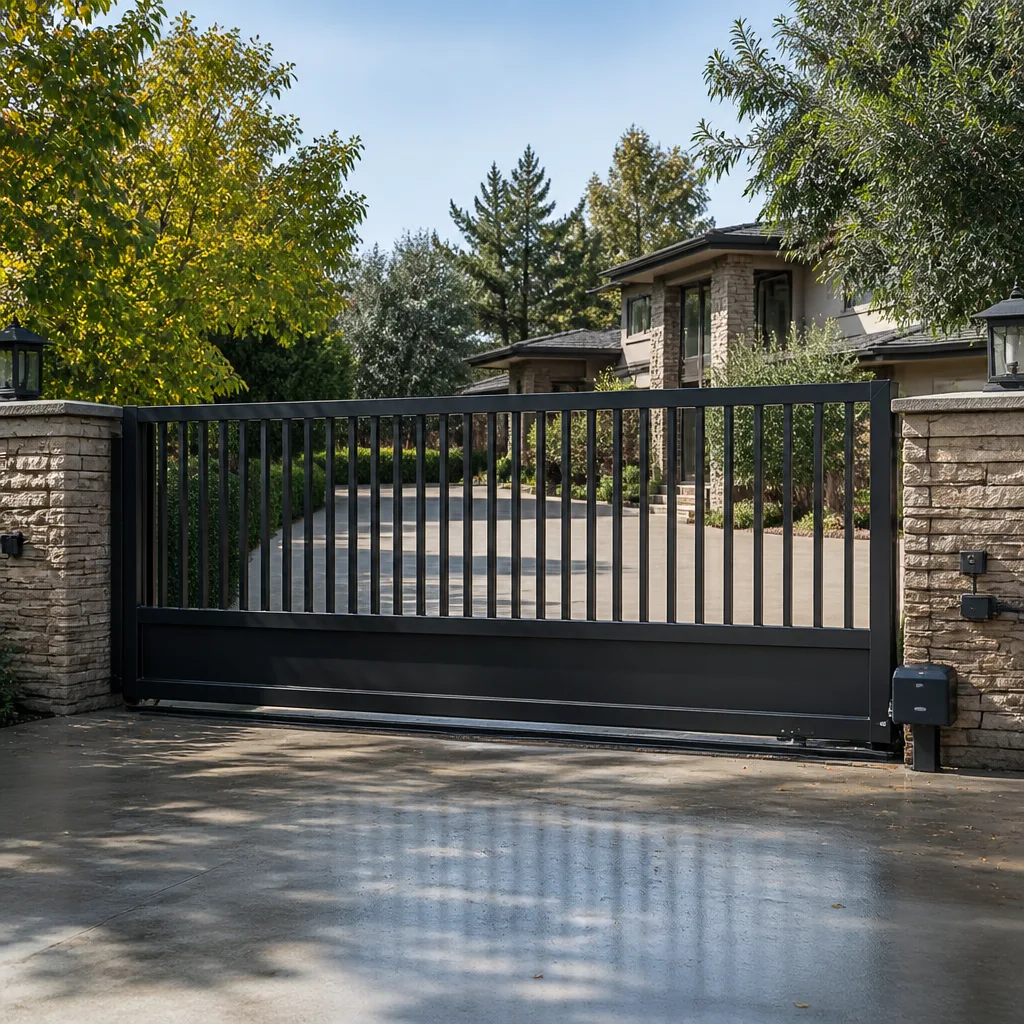 Sliding driveway gates
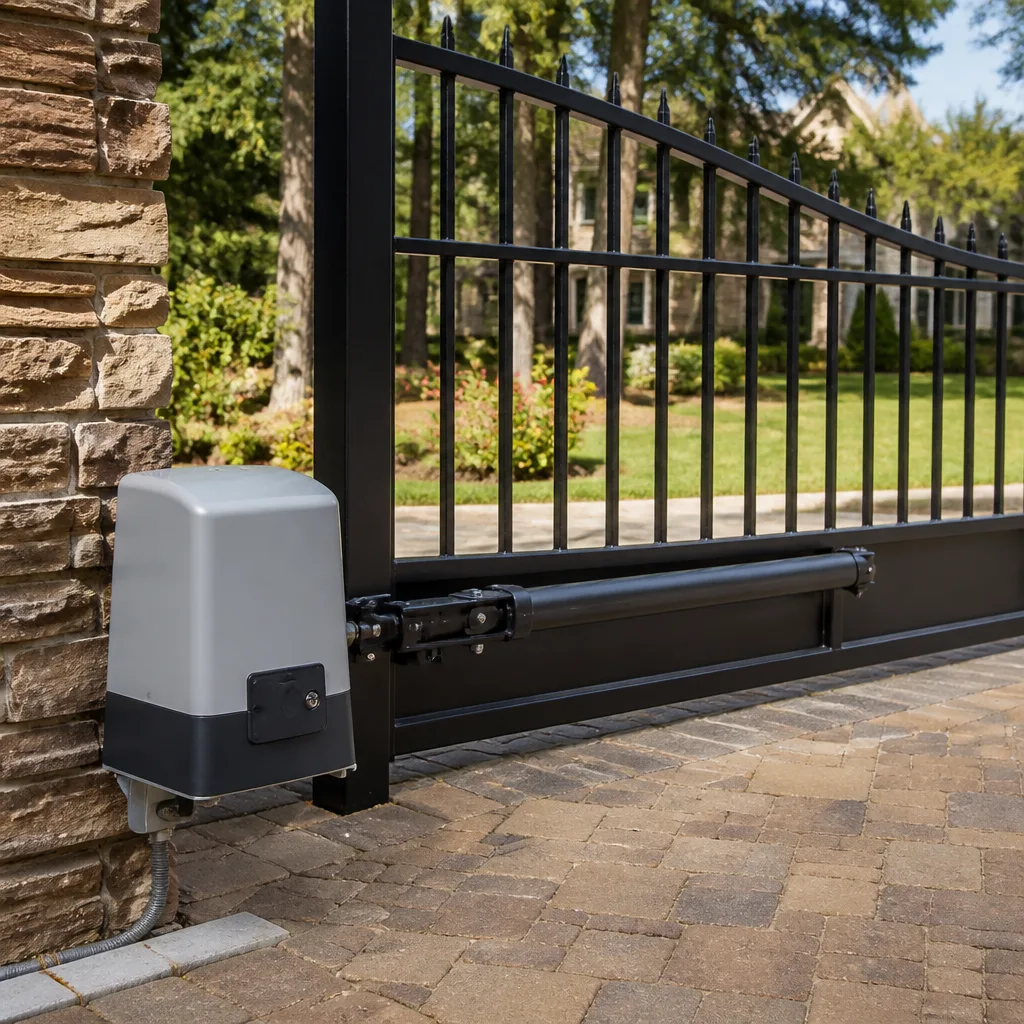 LiftMaster operators
Free on-site gate assessment - hinges, posts, and your LiftMaster or Nice gate operator checked before anything is quoted
The assessment is free and the quote is the invoice.
Get your free estimateThe Complete Gate Access Control Guide for Summerlin Homeowners
Most Summerlin homeowners buy access control the way they buy a phone: by comparing feature lists. Video, app, keypad, cloud backup. What those lists never mention is whether the device can actually trigger the motor that’s already bolted to your gate post. A video intercom that works flawlessly on its own can be completely incompatible with your existing gate operator’s control board, because the real question isn’t whether both devices have an app. It’s whether the intercom’s dry-contact relay output matches the voltage your control board expects. We’ve watched this play out across Summerlin gate installs, and it almost always surfaces after the return window closes. This guide maps the compatibility layer the marketing sheets skip.
Quick Answer
Gate access control in Summerlin works when the entry device (keypad, intercom, fob, or app module) can send a dry-contact relay signal to your gate motor’s control board, and when that setup still meets your HOA’s emergency-release and visitor-management rules. Feature lists don’t tell you either of those things. Compatibility does, and it’s the only thing worth checking before you buy.
Styles & brands we work with
- Wrought iron
- Wood & steel frame
- Farm & ranch
- Sliding driveway gates
- LiftMaster operators
Table of Contents
- The Four Access Control Categories and What Each One Actually Requires
- The Summerlin HOA Compatibility Constraint
- The Dry-Contact Relay Standard: How to Check Before You Buy
- Wi-Fi, Cellular, and What Happens When the Power Drops
- The Documentation Checklist Every Installation Should Leave Behind
- Matching Access Control to Your Gate Motor Brand
- Common Mistakes to Avoid
- Frequently Asked Questions
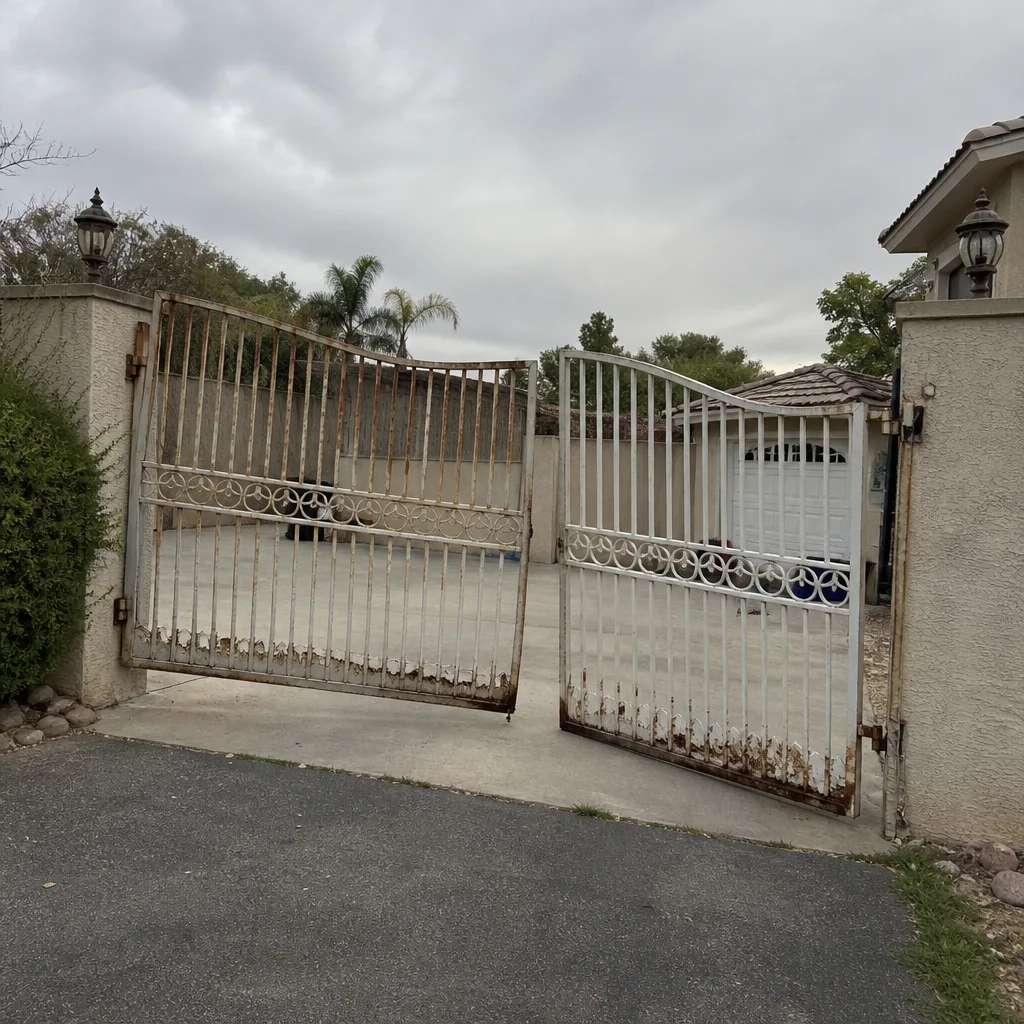 Before
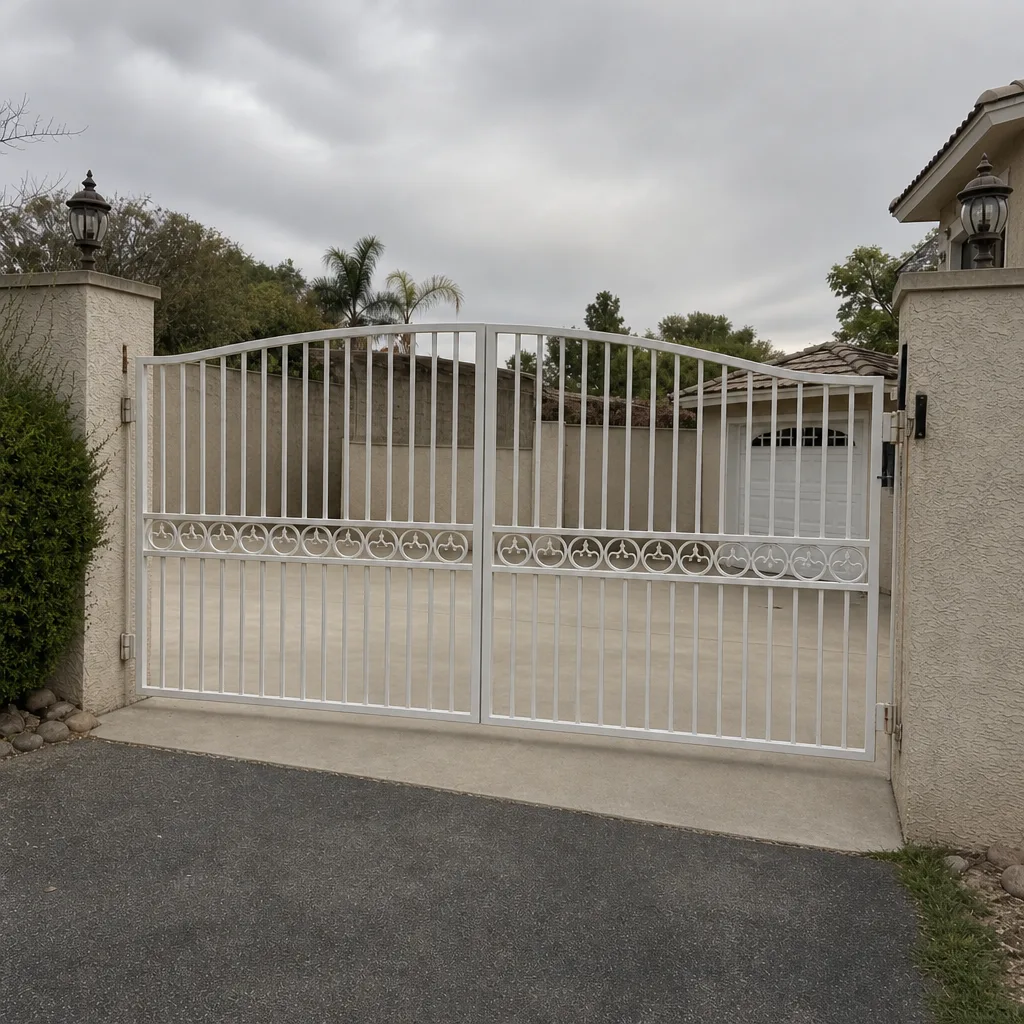 After
The Four Access Control Categories and What Each One Actually Requires
Every residential gate entry system in Summerlin falls into one of four buckets. What separates them isn’t how they look or what app they run. It’s the wiring path from the entry device to the gate motor’s control terminals, and that path is where most installs succeed or fail.
Keypads are the simplest and the most reliable. A standalone keypad needs low-voltage power (usually 12 or 24 VAC from a transformer) and two wires to the control board’s “cycle” or “open” terminal. Shared-access keypads that serve multiple households add a controller and sometimes a phone line or network drop. The wiring is basic, but the transformer placement matters. We’ve seen Summerlin keypads fail early because the transformer was tucked into an unvented box on a west-facing wall where July surface temps hit 140°F.
Remote and fob systems integrate through a plug-in receiver that either plugs into a dedicated slot on the control board or wires to the same cycle terminal. The compatibility check here is straightforward: does your motor brand’s receiver match the board’s accessory voltage? A receiver built for a LiftMaster board may not play well with a FAAC board, even when both look identical on a shelf.
Intercom and video stations are the category where incompatibility bites hardest. An intercom that reads “works with most gate operators” is telling you it has a relay output. What it isn’t telling you is the relay’s contact rating, its trigger duration, and whether it’s normally open or normally closed. Those three details decide whether it will open your gate reliably or intermittently.
App-based and cloud systems combine the entry device and a network module. They add one more dependency: connectivity. That’s covered further down, but the wiring question remains identical. The cloud piece is convenience; the relay is function.
The Summerlin HOA Compatibility Constraint
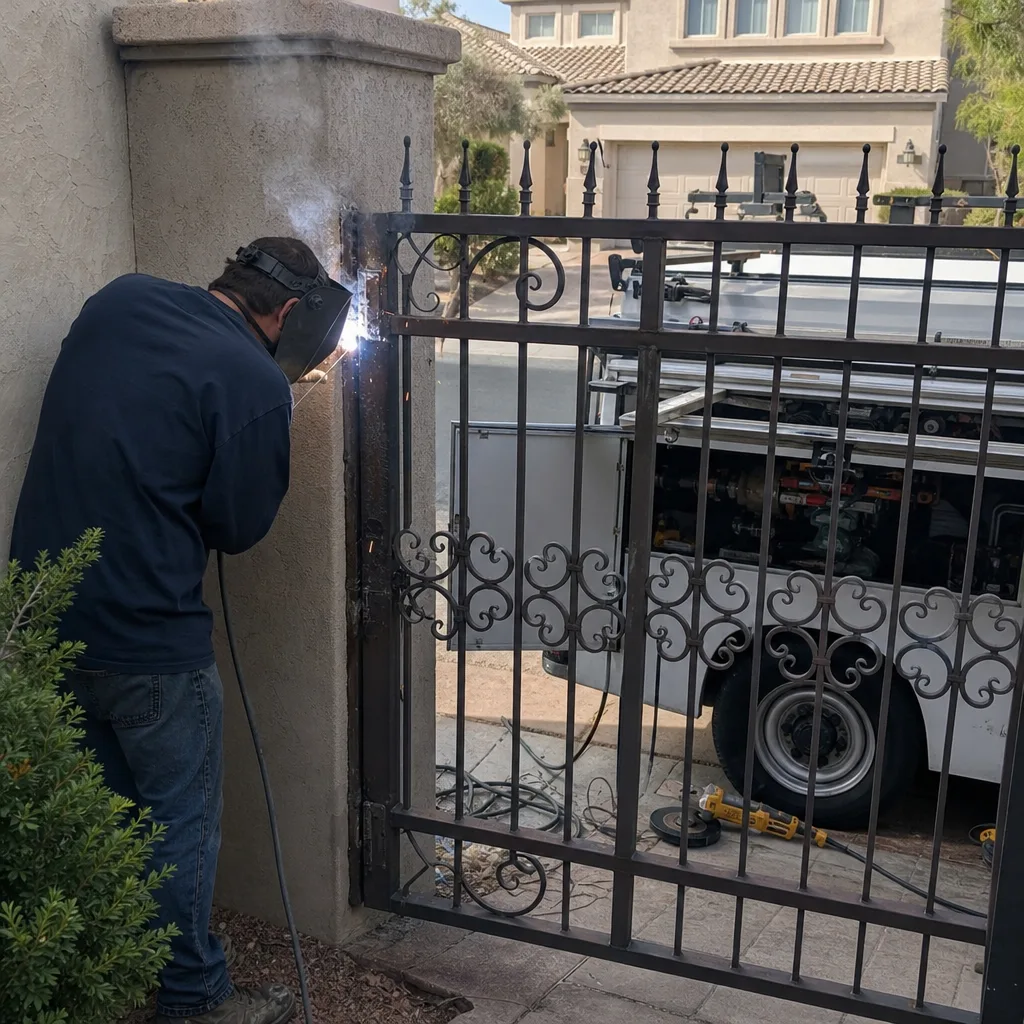
Many Summerlin communities run their own access rules on top of anything you install yourself, and those rules can eliminate products that look perfect on paper. Before you order hardware, ask your HOA board three things: whether a Knox box or similar emergency-access key is required at the gate, what emergency-release configuration they specify, and whether your community requires a visitor-management system tie-in.
Those requirements change your product shortlist. If your HOA requires fire-department or emergency-access keyed entry, you need a gate motor with a compatible keyed release and a place to mount the box that doesn’t interfere with the gate’s swing path. If the community runs a visitor-management platform, your intercom has to integrate with it or be reconciled with a manual process, and the platforms differ widely in what they accept. A cloud intercom with no documented integration path may be dead on arrival for that requirement.
We’ve seen this cost Summerlin homeowners real money. A homeowner buys an intercom with excellent video quality and a polished app, then discovers their association’s visitor-management vendor only accepts call-in wired stations. The device still works as a standalone doorbell, but it never opens the gate from the house. The HOA question belongs at the top of your checklist, not the bottom, and it’s the single constraint most marketing pages never mention because it doesn’t exist in every market. It exists in Summerlin. For repair work on gates already caught in this tangle, Gate Repair in Summerlin covers how we untangle the wiring and bring the setup back to your association’s spec.
The Dry-Contact Relay Standard: How to Check Before You Buy
A dry-contact relay is a switch with no power of its own. It closes a circuit and lets your gate motor’s control board supply the voltage. That’s exactly what motor boards are designed to receive. A wet-contact output sends voltage out to the motor, and the two are not interchangeable on a control board built for a dry input. This single distinction explains most of the “works fine at the showroom, intermittent at the gate” complaints we hear.
Here’s how to check a product before you buy, in order.
- Find the relay spec in the datasheet. Look for “dry contact relay,” “normally open (NO) dry contact,” or a relay rating stated in amps and volts. If the only listed output is “relay” with no rating, assume nothing and keep digging.
- Confirm normally open versus normally closed. Most residential gate boards cycle on a momentary normally-open closure. A device that only offers normally closed output needs a conversion or a different device.
- Match the contact rating and trigger duration. A relay rated for the motor board’s low-voltage input works. A pulse that stays closed too long can leave the gate hanging open at the limit.
- Read your control board’s accessory terminals. Locate the “cycle,” “open,” “common,” and any accessory power terminals. Note the voltage printed beside them.
- Compare the two numbers. If the device’s dry-contact relay matches the board’s input, it will trigger the gate. If the spec sheet won’t confirm it, that’s your answer.
We check this the same way on every job: before the device goes on the wall, we confirm the relay output against the board voltage and photograph the terminals. If the match isn’t there, better to find out before the box is opened.
Wi-Fi, Cellular, and What Happens When the Power Drops
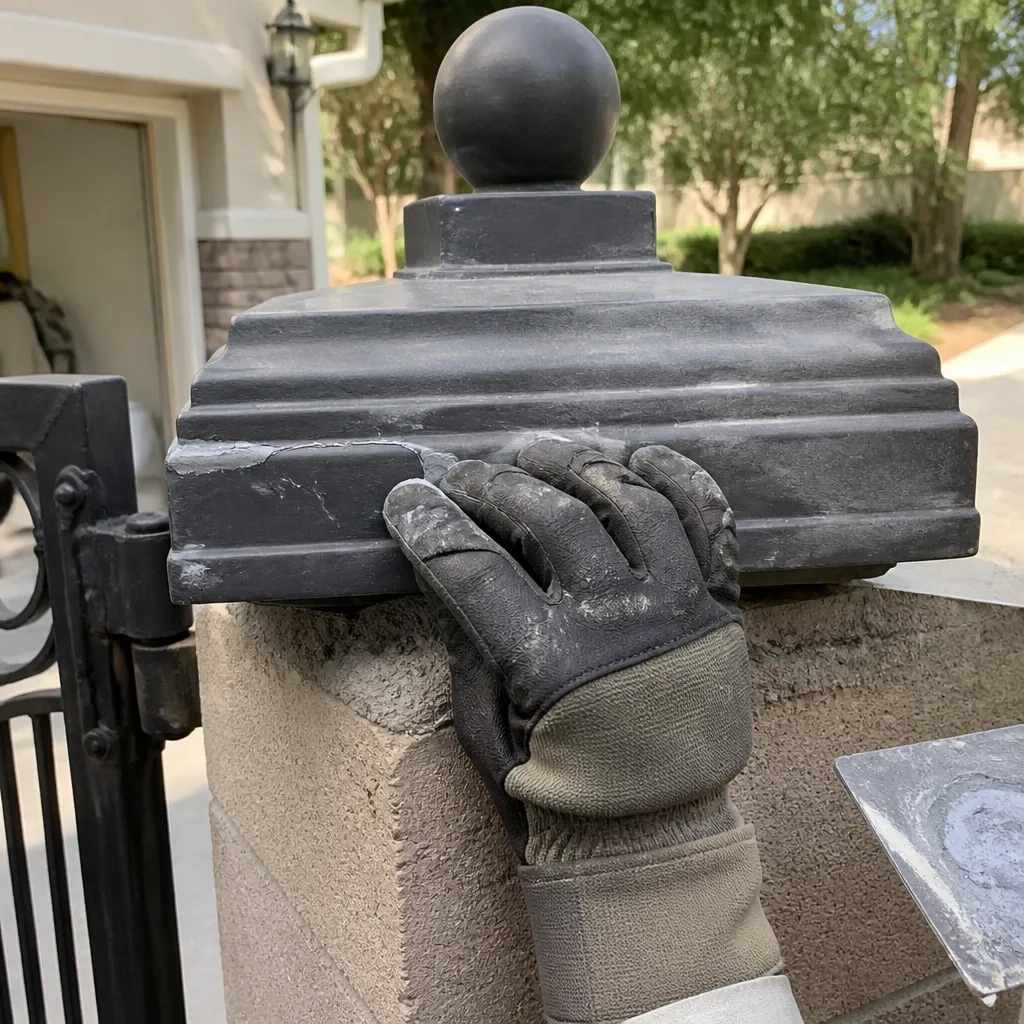
Every network-connected door has a single point of failure that a standalone keypad doesn’t. When the power goes out, when the router drops, or when a cellular carrier has an outage, an app-based system stops opening the gate. That’s not a defect. It’s how cloud access works. The question is what fallback you keep on the gate.
Summerlin’s power reliability is generally strong, and outages tend to be short. Short is enough. A router failure or a modem reboot, more common than a full power cut, silently kills app access with no announcement, and you usually discover it standing at the gate with groceries.
What matters in practice:
- Battery backup on the entry device. Many keypads and intercoms hold programming and remain functional on battery when household power drops. Confirm the stated runtime before you rely on it.
- Battery backup on the gate motor. This is separate hardware, and it’s what keeps the gate cycling when the control box has no power. If your motor has no backup, the entry device’s batteries won’t help.
- A physical keyed release. Every automated gate should have a manual release, typically a keyed handle on the operator, so the gate can be opened by hand during an outage. This is also what emergency services use.
- A wired or radio fallback. A standalone keypad or a fob receiver independent of the network keeps normal access working through a Wi-Fi or carrier interruption.
- Documented credentials. Cell-connected devices are only as useful as the account someone can log into. That’s covered in the next section.
Cellular systems behave differently than Wi-Fi during a router failure. A cellular module on the entry device or a cellular failover on the network side keeps the gate reachable when the home internet is down, and that independence is worth the recurring cost if the gate is your household’s primary entry. For a deeper dive into motor-side backup and compatibility, see Gate Motor & Opener in Summerlin.
The Documentation Checklist Every Installation Should Leave Behind
Access control is a system, not a device, and systems fail quietly when the paperwork is missing. The homeowner who can’t find the admin password or the wiring diagram pays a future technician to rediscover both. We leave every job with the same written record, and you can hold any installer to it.
At handoff, you should receive in writing:
- A wiring diagram showing each entry device, its power source, and the exact control-board terminals it connects to. Hand-drawn and photographed is fine.
- Programming records listing every user code, fob, or credential issued, plus the limits and settings that were changed from factory default.
- Admin credentials for every connected component, in your possession and not only with the installer.
- The exact part numbers and firmware versions of what was installed, so a future replacement matches the board.
- Photographs of the finished wiring and terminal connections before the enclosure was closed.
- A written record of what was found and adjusted, including limit-switch readings and any relay or voltage measurements taken on arrival.
That documentation habit is the entire point of the Haven Standard: a written price before work starts, and a documented photo record on every visit. It’s why a technician arriving next year can read what was installed and why, rather than starting from zero at your expense.
Matching Access Control to Your Gate Motor Brand
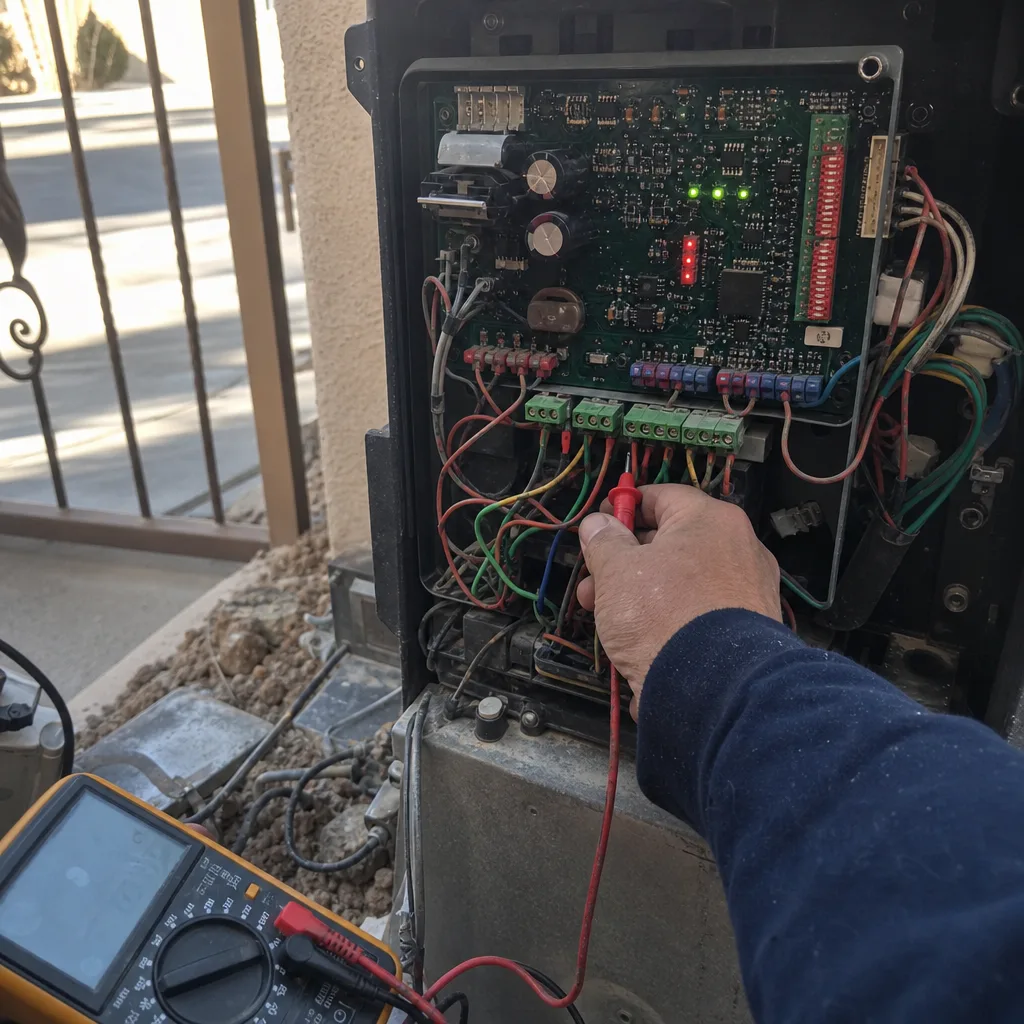
Your gate motor was almost certainly installed before your access control decision, and it dictates a lot of what you can add. Motors from Elite, Mighty Mule, LiftMaster, and FAAC all accept dry-contact triggers, but their accessory power outputs and receiver mounting differ enough that a device built for one board may need an adapter or wiring change for another. Nine major automation brands are common on Summerlin gates, and we service all nine, so we can tell you what your specific motor will accept before you commit to a product.
If your chosen access control turns out to need a motor the board can’t support, replacement is a real possibility, but it shouldn’t be the first answer. Repair and re-integration are usually cheaper. A new gate operator is a considered, measured, scheduled project, not a same-day swap, so it needs a free site measure and a written scope before anyone quotes a number. If your gate is newer and you’re planning a fresh install, Gate Installation in Summerlin covers how we approach integration from the post up.
See the difference
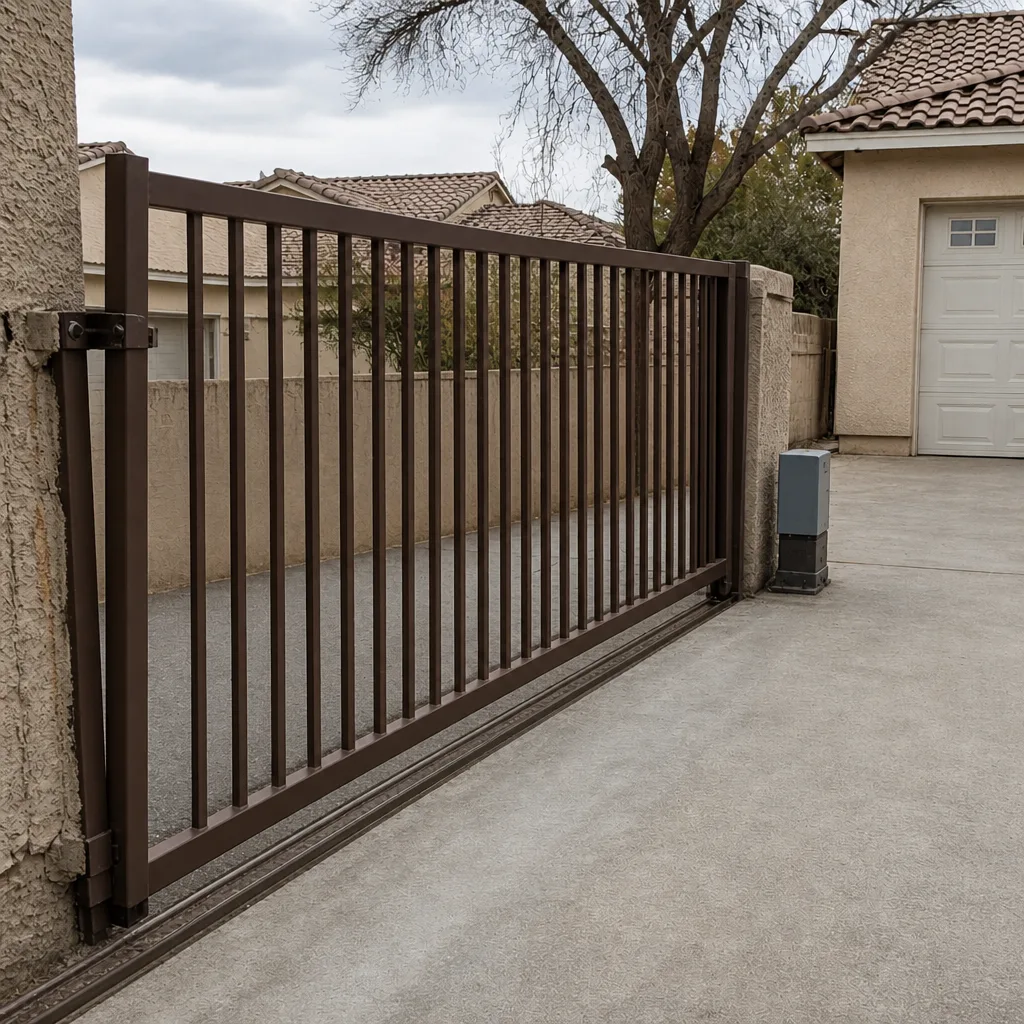
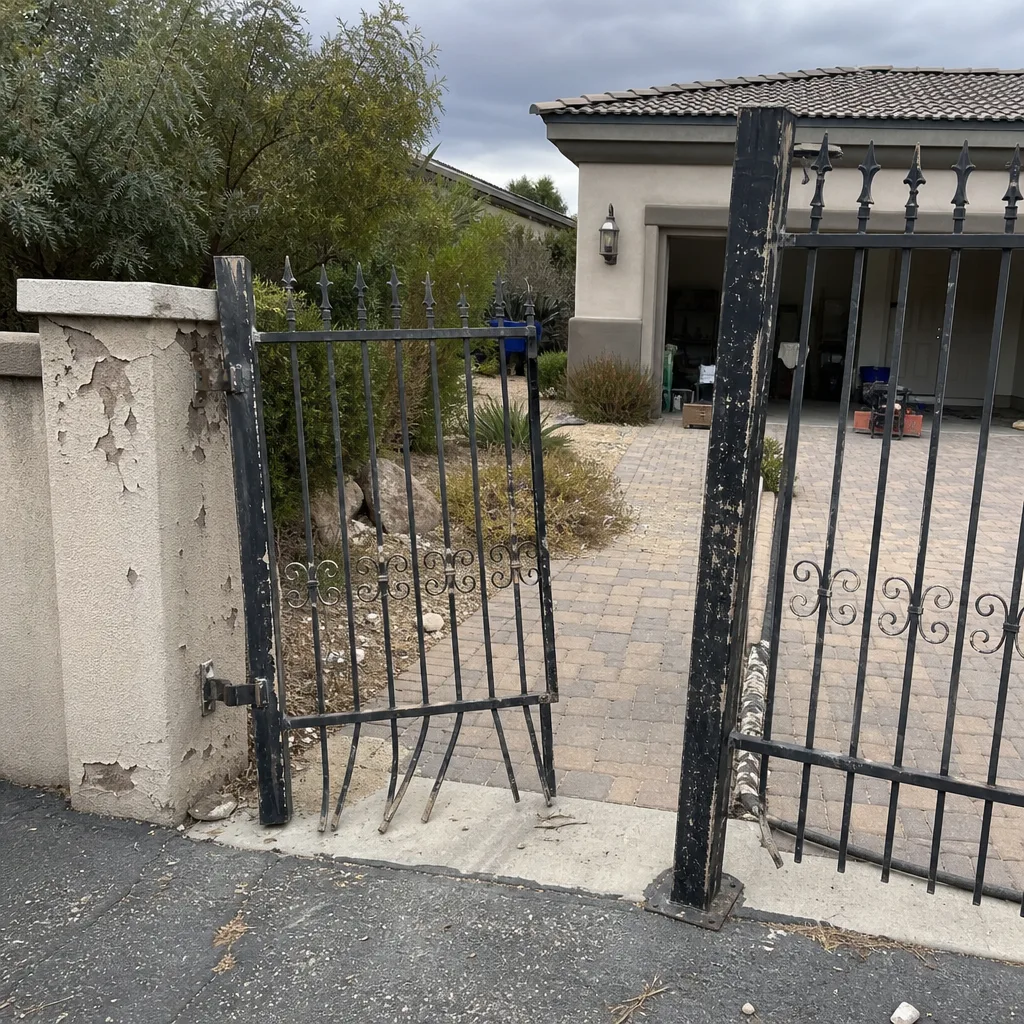
BeforeAfter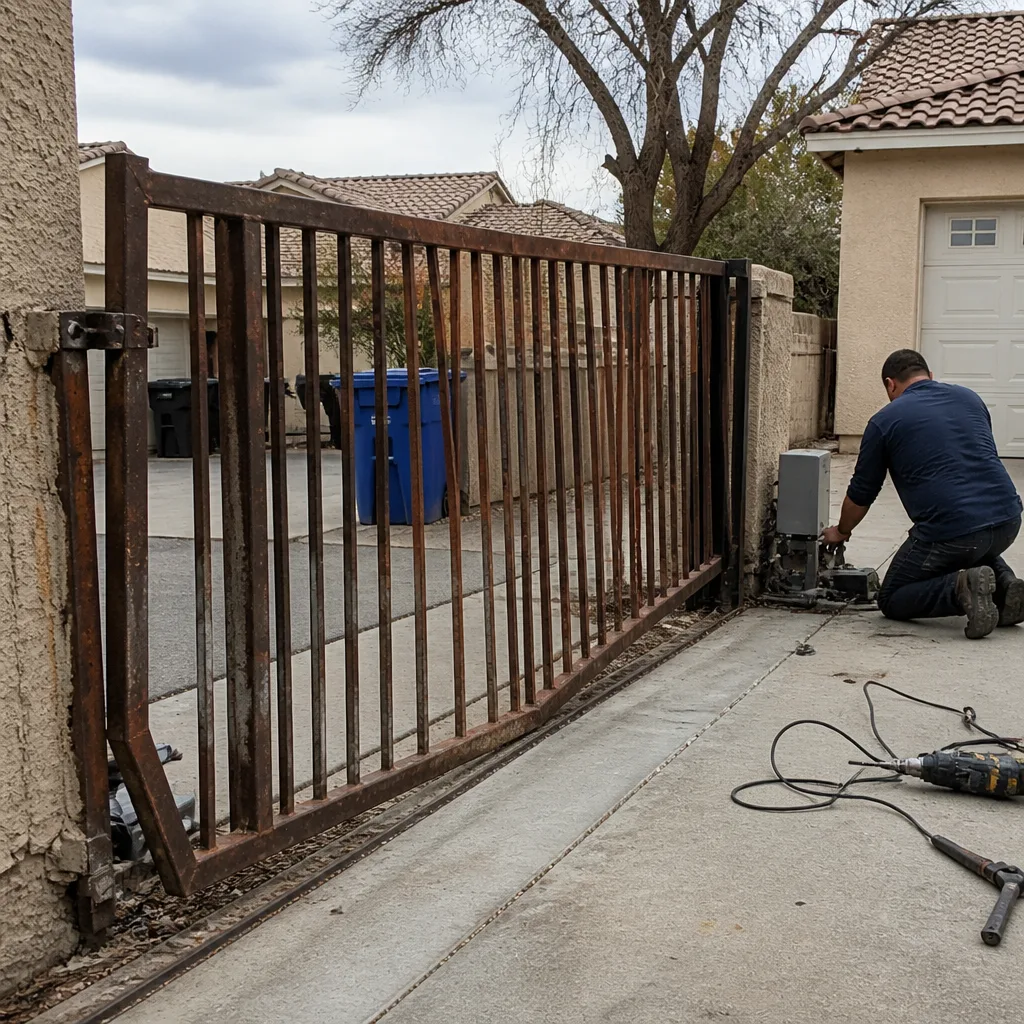 Before
 After
 Before
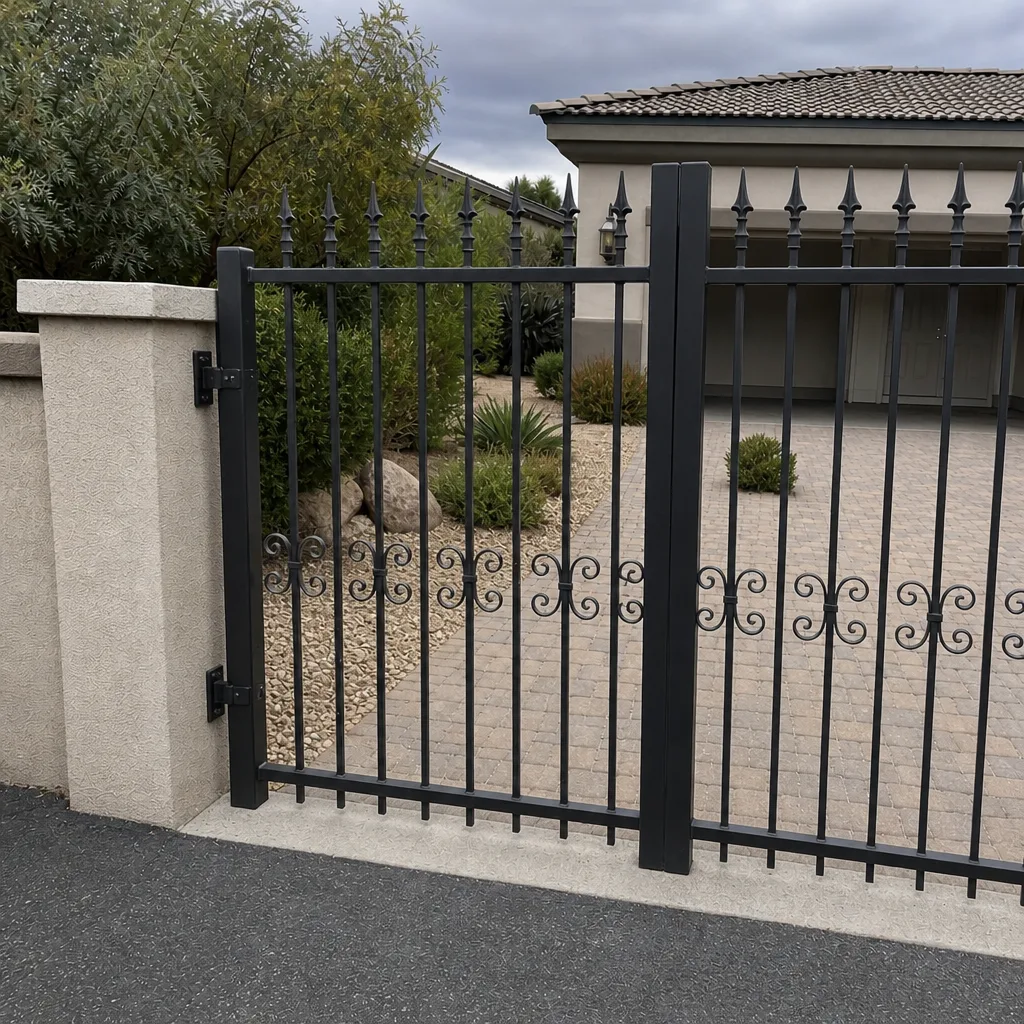 After
Common Mistakes to Avoid
- Buying on app reviews instead of the datasheet. Video quality and app polish say nothing about relay compatibility. Read the relay spec first.
- Skipping the HOA conversation. Summerlin communities with visitor-management tie-ins or keyed emergency-access rules can rule out a device you’ve already ordered.
- Assuming both devices “having an app” means they work together. Cloud software and physical wiring are separate layers. Only one of them opens the gate.
- Relying on Wi-Fi with no fallback. A router reboot during a grocery run turns an app-only gate into a locked gate.
- Ignoring the transformer or power supply placement. Sun-baked, unvented boxes on west walls are a common early-failure cause in Summerlin heat.
- Accepting a verbal install with no wiring diagram or credentials. You’ll pay for that gap when the next technician has to reverse-engineer the setup.
- Letting a cloud-only intercom become the only way in. Without a keyed release or standalone keypad, you’ve traded convenience for a new failure point.
When to Call a Professional
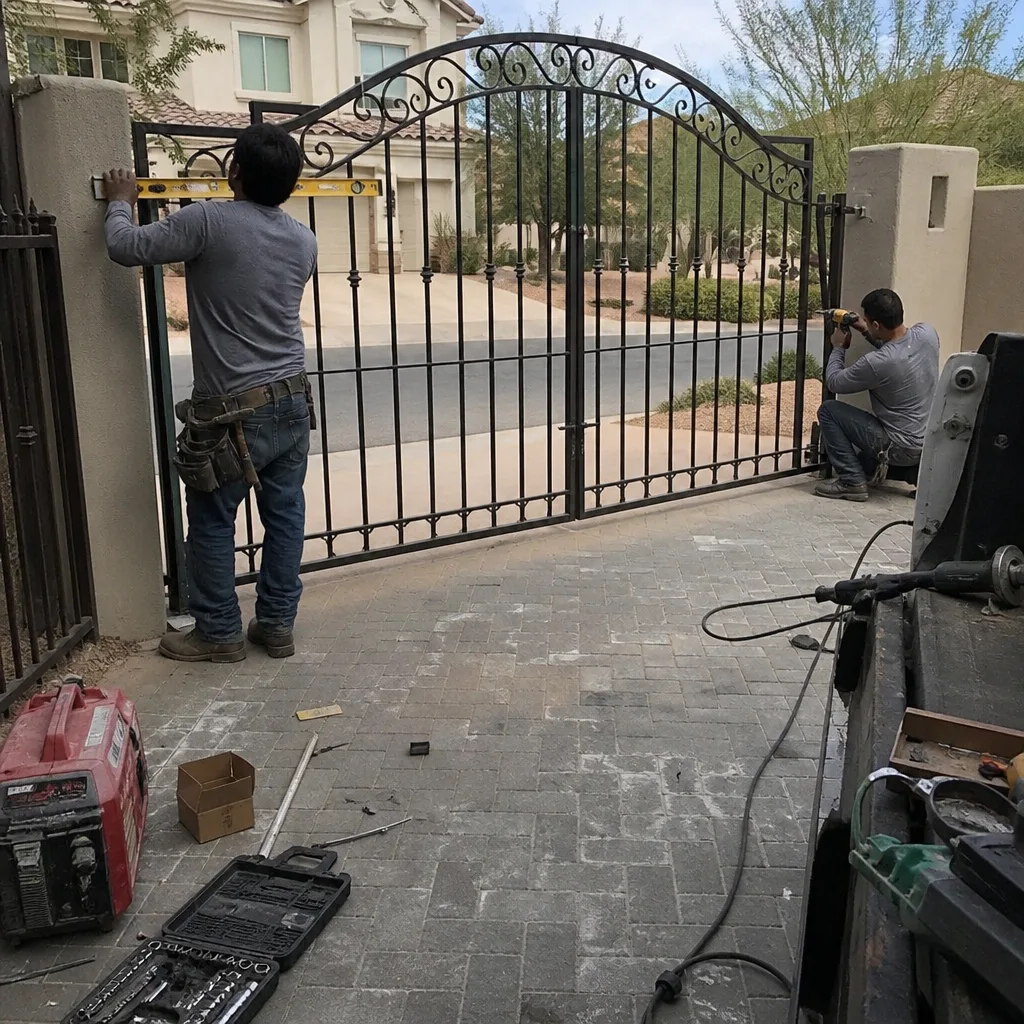
Call when the device is installed but the gate cycles intermittently or not at all, when the relay spec doesn’t match your board and the wiring needs measuring, when an existing setup needs documenting before you add to it, or when your HOA’s emergency-release configuration needs a keyed setup the installer didn’t plan for. Also call when the motor side is involved: gate operators carry stored energy in springs and high-tension hardware, and adjustment should be left to a trained professional. A control board is low voltage, but the gate it moves is not. Vance Gate Repair Summerlin offers free estimates in Summerlin: call (844) 797-2809.
Frequently Asked Questions
Most residential gate access control installs run $400 to $1,800 depending on category, with standalone keypads at the low end and integrated video intercoms with cloud modules at the high end. Wiring runs, HOA-specific emergency-release hardware, and motor-side integration can add to that. Every price is quoted in writing and agreed before any work starts. Call (844) 797-2809 for an exact quote, and estimates are free.
Yes, if the intercom has a dry-contact relay output whose rating matches your control board’s input voltage and trigger type. The app and video features are irrelevant to this question. Check the relay spec against the board’s terminals before you buy. If the match is unclear, call (844) 797-2809 and we’ll read the spec with you.
Network-connected systems stop opening the gate when household power or internet drops, so a keyed manual release and, ideally, battery backup on both the entry device and the gate motor keep access working. A standalone keypad or fob receiver that doesn’t depend on Wi-Fi is the most reliable fallback. Call (844) 797-2809 to review your fallback setup.
Often yes, especially where the community requires a keyed emergency-access box or a visitor-management tie-in. Ask your board about emergency release, Knox box requirements, and any integration they specify before ordering hardware. Confirm the requirements with your board, then call (844) 797-2809 with the details and we’ll quote the install to match.
You should get a wiring diagram, programming and user-code records, admin credentials for every connected device, part numbers and firmware versions, photos of the finished wiring, and a written record of settings and measurements taken. No installer should leave without handing those over. Call (844) 797-2809 for a free review of documentation from another installer.
Repair and re-integration are usually cheaper, and most motor boards accept dry-contact triggers from the right device, so replacement is rarely the first answer. Replacement is a considered, scheduled project, not a same-day call. Request a free site measure and written scope: call (844) 797-2809 for a written price before you decide.
The Bottom Line
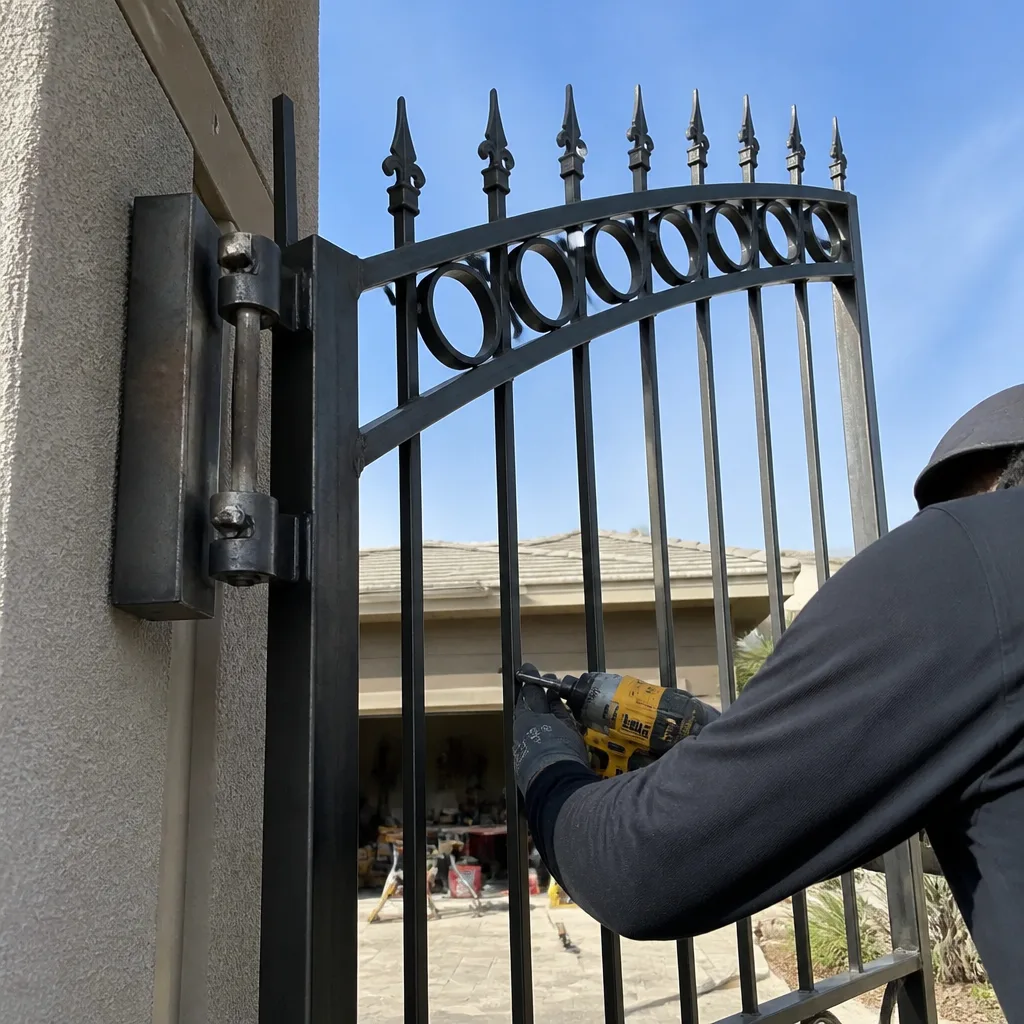
Choose access control by compatibility, not by feature list. Confirm the dry-contact relay meets your motor board’s input, settle your HOA’s emergency-release and visitor-management requirements before ordering, keep a fallback entry working through outages, and insist on written documentation at handoff. Those four checks decide whether your system opens the gate reliably next week and next year. Our team at Vance Gate Repair Summerlin handles the compatibility work on whatever motor you already have, from Vance Gate Repair Summerlin home to the terminals on the board, and leaves a documented record behind. Call (844) 797-2809 for a free estimate.
Written by the team at Vance Gate Repair Summerlin.